The UX Strategy Template Your Team Actually Needs [Free Canvas]
Learn the process behind a well-designed strategy
Reading time: 12 minutes
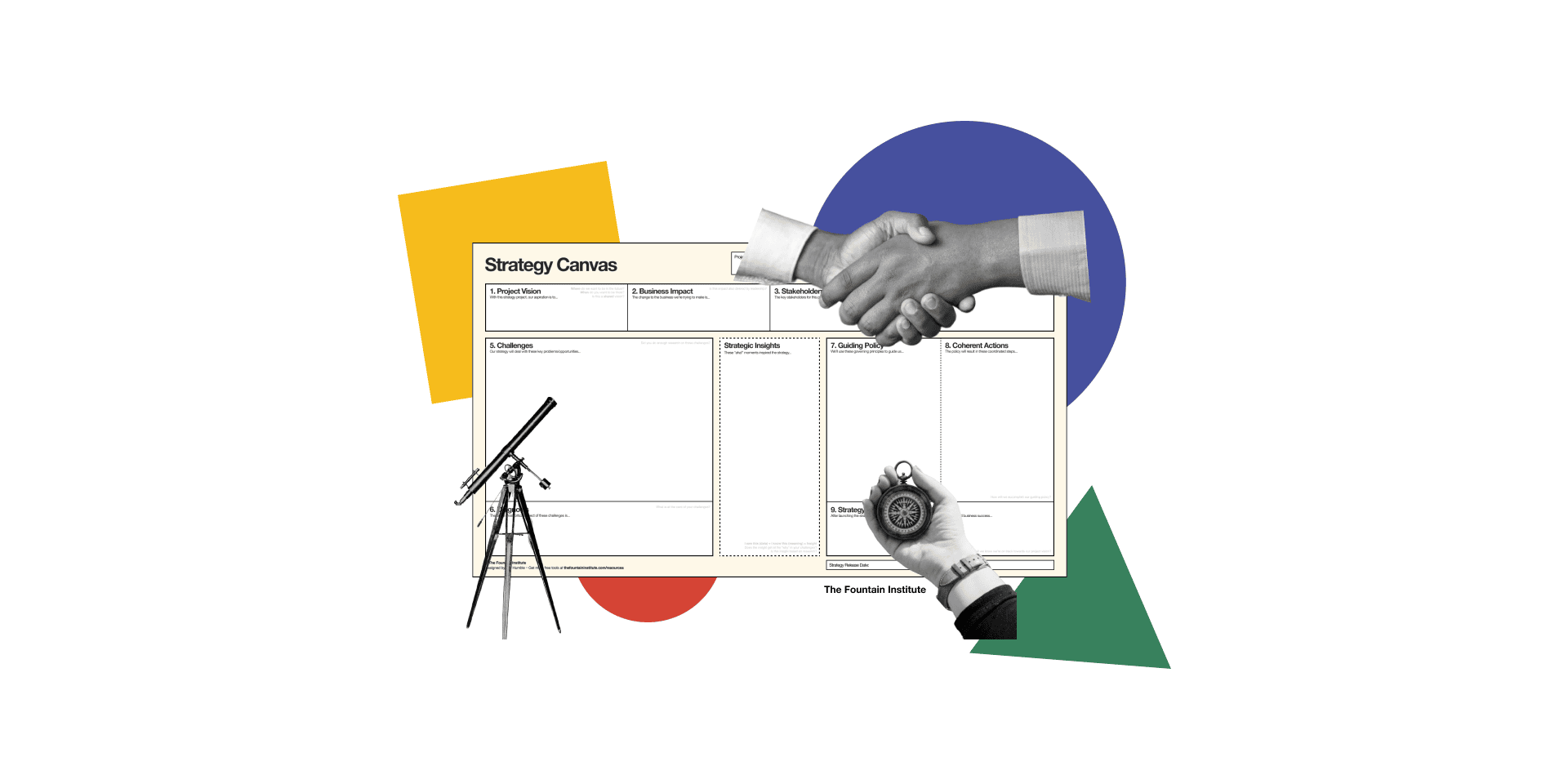
You've seen the UX strategy templates floating around the internet.
Most of them are a bunch of strategic-sounding terms thrown on a workshop board.
None of them help you understand the strategy design process.
They say something like: "Step 1: Define your users. Step 2: Set your goals. Step 3: Profit."
The problem with most UX strategy templates is that they often skip the most crucial step of the strategy design process: research.
You wouldn’t brainstorm your way to a regular UX solution without a bit of research, and you damn sure shouldn’t brainstorm your way to a UX strategy without research.
If your strategy template feels easy, it’s probably because it skips steps of the process.
I’ve been teaching UX strategy to senior designers since 2021, and I built a template that actually works. It's called the Strategy Canvas, and it's designed to help you and your team think through the messy, complicated work of designing a UX strategy together.
Why Most Strategy Templates Fail
Before we get into the template, let's talk about why most strategy templates don't work.
They skip the diagnosis.
Here's the secret most strategy templates miss: you can't design a good strategy without first understanding the challenge you're up against. Designers often ignore the challenges that stand between them and their goals. This almost always leads to unrealistic, unfocused strategies. Richard Rumelt, the world's leading strategy thinker, calls this the "diagnosis." It's the crux of the problem or the root cause that, if addressed, would unlock progress toward your goal. Most templates jump straight from goals to tactics, skipping the hard thinking that makes strategy actually work.They confuse vision with strategy.
Most templates confuse vision with strategy. Visions are useful, but a vision isn't the same as a strategy. A vision is a picture of where you want to be in the future. A strategy is how you're going to get there. Saying "we want to be the leader in sustainable products" is a vision. It tells you nothing about how you'll actually achieve that goal. A strategy requires a diagnosis of the challenge and a clever approach to overcome it.They encourage unfocused wishlists.
Strategy isn't about doing all the things. In fact, it's the opposite. Strategy is about doing a few clever, specific things. And every one of those things will be a tough choice with lots of tradeoffs. Strategy is about making hard choices. It's about deciding what you will focus on, which also means deciding what you won't focus on. A strategy that tries to be everything ends up being nothing, and when you skip the research, you'll end up doing all the things. The templates that skip the research are actively working against you. Real strategy requires the discipline to say no, and research is the best way to ensure you know what to say no to.
The Strategy Canvas: A Better UX Strategy Template
The Strategy Canvas is a one-page template designed to guide you through the complete strategy design process. It's based on the thinking of top strategists like Richard Rumelt, Stephan Bungay, and Henry Mintzberg, adapted specifically for UX teams.
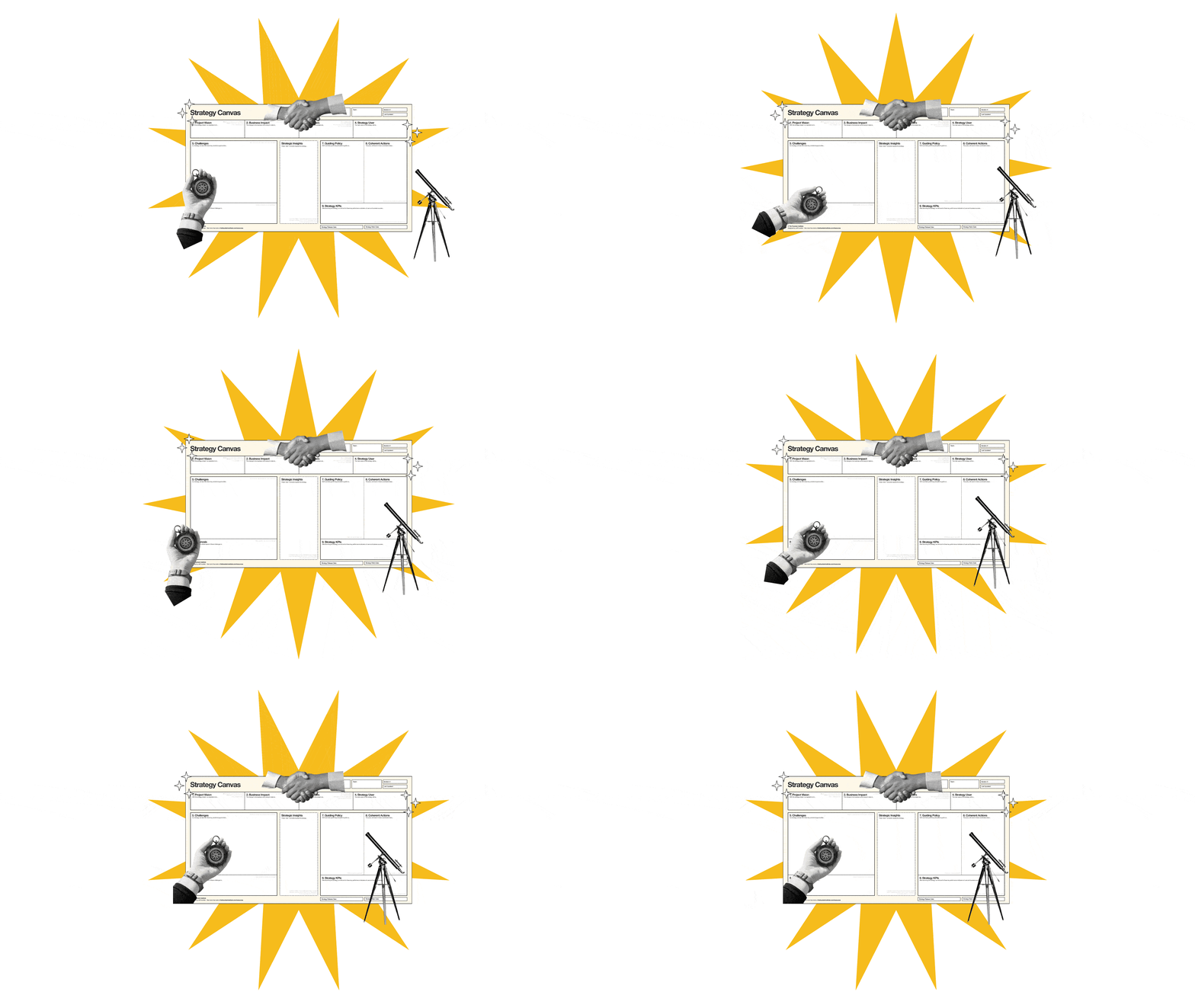
Unlike other templates, the Strategy Canvas doesn't just give you boxes to fill in. It gives you prompts and checklists to think through the relationships between goals, challenges, insights, and actions. Each section builds on the previous one, creating a coherent strategy rather than a disconnected list of aspirations.
Here's what makes the Strategy Canvas different:
It forces you to focus on the problem first.
The canvas dedicates the most space to understanding challenges…from company barriers to customer friction to competitive threats. You can't skip to the fun part (tactics) without first doing the hard work of diagnosing the problem. And the single "Diagnosis" box forces you to distill all those challenges into a single root cause. No sprawling lists of priorities. One focus.It keeps your strategy simple by design.
Notice how the canvas gives limited room for guiding policies and actions? That's intentional. Most templates let you add endless strategic pillars and initiatives until your "strategy" is a 47-point plan that tries to do everything. The canvas nudges you toward simplicity—a few clear principles, a focused set of coherent actions. If it doesn't fit, it probably doesn't belong.It separates challenges from insights.
Challenges are the problems you face. Insights are the "aha" moments from your research that suggest a way forward. Most templates mush these together, but keeping them separate helps you think more clearly.It connects policy to action.
The canvas includes both "Guiding Policy" (the strategic principles that will direct your work) and "Coherent Actions" (the specific tactics that implement those principles). This ensures your tactics actually support your strategy instead of being a random collection of ideas.It's designed for collaborative workshops.
The visual layout makes it easy to work through as a team, with different people contributing to different sections. It's a thinking tool, not just a documentation tool.
How to Use the Strategy Canvas
The canvas has nine sections that will ensure your strategy is top-notch. The sections are numbered to indicate the order, but you might have to go back and change sections as you work through your strategy.
The 3 types of activities in the Strategy Canvas
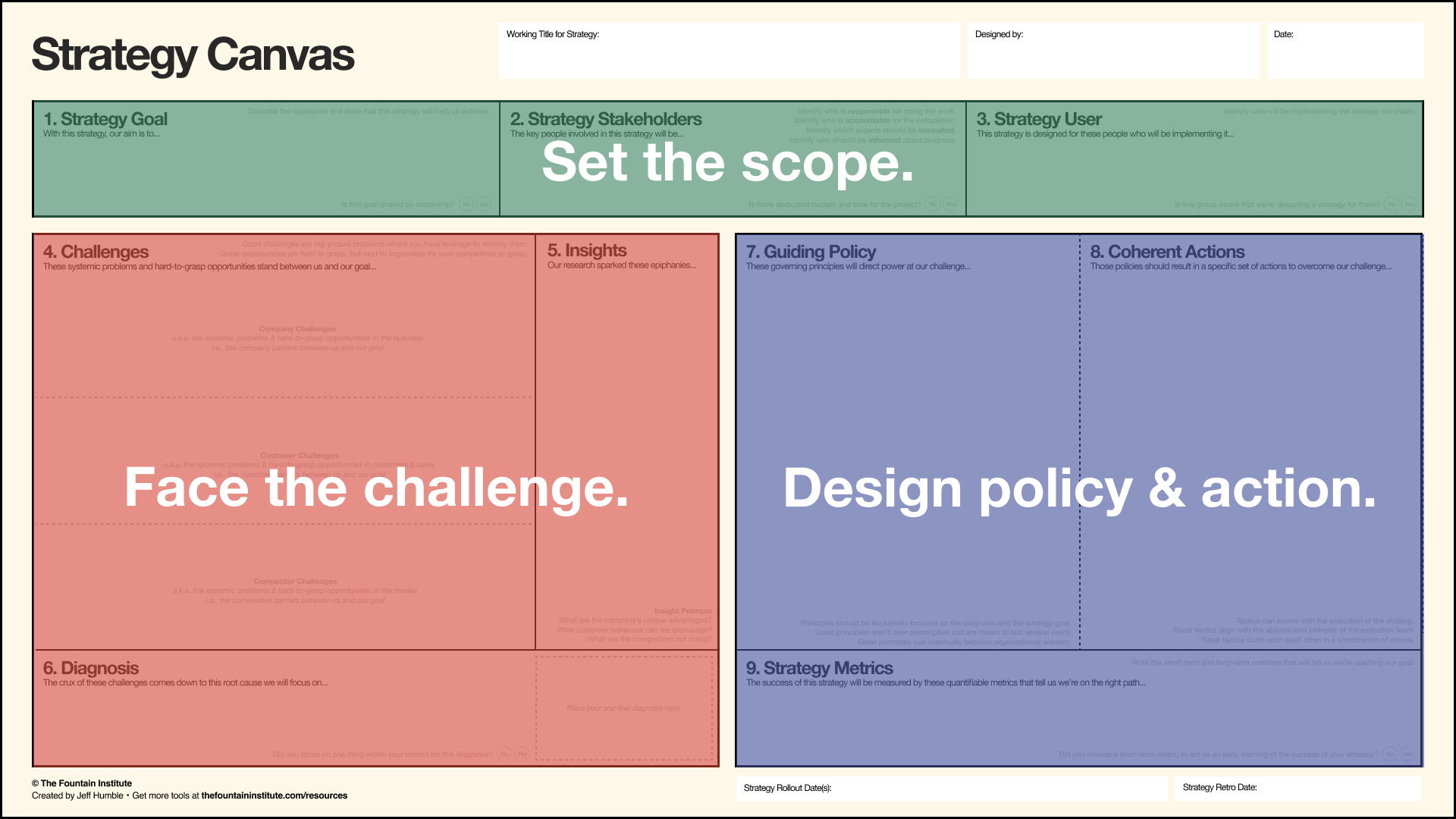
from the Strategy Canvas by Jeff Humble
Set the scope: Decide on your ambitions for the strategy project
Face the challenge: Gather systems-level research to find out what’s really going on
Design policy & action: Create principles and choose tactics that will overcome your challenge
Ok, let’s zoom in on each of the nine sections in the canvas.
Strategy Goal
"With this strategy, our aim is to..."
Start with the business goal your strategy should achieve. This should be a real business outcome, not a UX vanity metric. Think: revenue growth, market share, customer acquisition, retention or something leadership actually cares about.
Checkpoint: Is this goal shared by leadership? If not, you need alignment before proceeding.
Strategy Stakeholders
"The key people involved in this strategy will be..."
Identify who's responsible for the work, who's accountable for the completion, who should be consulted, and who should be informed. This isn't just a formality. Unclear ownership is one of the top reasons strategies fail.
Strategy Execution Team
"This strategy is designed for these people who will be implementing it..."
Who will actually do the work? Your strategy should be designed for the team that will execute it. A strategy for a 3-person startup looks very different from a strategy for a 50-person design org.
Checkpoint: Is this group aware that we're designing a strategy for them?
Challenges
"These systemic problems and hard-to-grasp opportunities stand between us and our goal..."
This is where most templates fall short. The canvas prompts you to think about three types of challenges:
Company Challenges: The systemic problems and barriers within your business
Customer Challenges: The friction, pain points, and unmet needs of your users
Competitor Challenges: The market forces and competitive pressures you face
Good challenges are specific, research-backed, and within your power to influence. "Users don't trust us" is too vague. "Users abandon checkout when asked for payment info because they can't verify our security credentials" is actionable.
Insights
"Our research sparked these epiphanies..."
What did you learn from your research that suggests a path forward? Insights are the bridge between challenges and strategy. They often answer questions like:
What are the company's unique advantages?
What customer behaviors can we encourage?
What are competitors not doing?
Diagnosis
"The crux of these challenges comes down to this root cause we will focus on..."
Here's the heart of strategy: identifying the one thing at the root of your challenges. The diagnosis focuses your strategy on what matters most.
Checkpoint: Did you focus on one thing within your control?
Guiding Policy
"These governing principles will direct power at our challenge..."
The guiding policy is the core of your strategy. It's the principle that will guide all your decisions and actions. A good policy is:
Exclusively focused on the diagnosis and the strategy goal
Not over-prescriptive (it should guide, not dictate)
Designed to last several years (2-5 years, generally)
Simple enough to become organizational wisdom
Coherent Actions
"These policies should result in a specific set of actions to overcome our challenge..."
Now you can define tactics. But notice how much thinking came before this step? That's intentional. Tactics without strategy are just noise.
Good tactics:
Evolve with the execution of the strategy
Align with the abilities and interests of the execution team
Build upon each other in a combination of moves
Strategy Metrics
"The success of this strategy will be measured by these quantifiable metrics that tell us we're on the right path..."
Finally, define how you'll know the strategy is working. Include both short-term indicators and long-term outcomes.
Checkpoint: Will these metrics indicate progress toward your goals?
That’s it! You’re done.
Those are the nine steps to a strategy that can guide your UX team for years to come.
Using the Canvas with Your Team
The Strategy Canvas can be a workshop tool to bring your team's collective intelligence to the strategy process.
Run a strategy workshop
Block 2-3 hours with your team. Print the canvas large or share it in a collaborative tool like Miro or FigJam. Work through each section together, debating and refining as you go.
The visual layout makes it easy to see connections between sections. When someone suggests a tactic, you can point to the challenges and ask, "Does this actually address what we diagnosed?" When priorities conflict, you can reference the goal to break ties.
Use it to align with stakeholders
The canvas is also a powerful alignment tool. Instead of presenting a 50-slide strategy deck, walk stakeholders through the single-page canvas. They can see your reasoning at a glance and quickly identify where they agree or disagree.
When leadership can see the logical flow from challenges to insights to policy to actions, they're much more likely to support your strategy. And once you get the process down, you might even come up with a few strategy canvases to choose from.
Make it a living document
Don't file the canvas away after your workshop. Keep it visible and revisit it quarterly. As you learn more, update the challenges and insights. As the market shifts, adjust your tactics while keeping your policy stable.
The best strategies evolve. The canvas gives you a framework for evolving coherently instead of reactively.
Download the Free Template
Ready to design a UX strategy with your team? You can download the canvas for free.
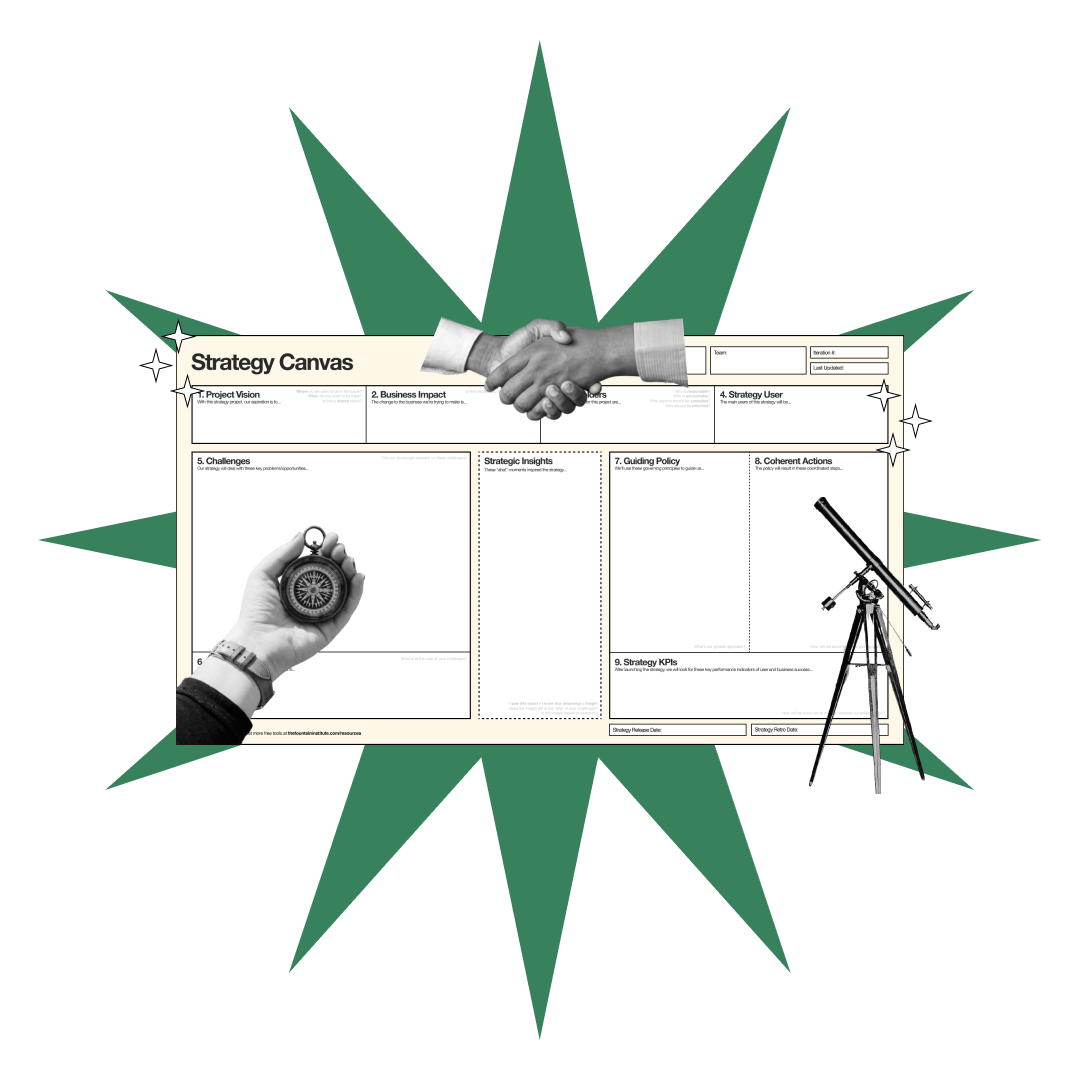
The Strategy Canvas
Design strategy grounded in research
The canvas comes as a high-resolution PNG, JPG, or PDF you can print or import into your favorite design tool. Use it for your next Miro strategy session, stakeholder alignment meeting, or solo thinking time.
Want to become a master at strategy?
The template is just the starting point. If you're serious about developing your strategic skills, I teach a course called Defining UX Strategy where you'll learn:
How to research and diagnose strategic challenges
How to facilitate strategy workshops with your team
How to present and defend your strategy to stakeholders
How to adapt strategy as conditions change
The course includes live workshops, detailed video lessons, and hands-on practice with the Strategy Canvas and other strategic frameworks. You'll leave with a complete UX strategy you can implement immediately.
Learning Resources for UX strategy
Get a video overview in the UX Strategy Info Session
Get a case study of what not to do in UX strategy in Why Doing Everything is a Bad UX Strategy

![The UX Strategy Template Your Team Actually Needs [Free Canvas]](https://images.squarespace-cdn.com/content/v1/5dc5935a7224ad2839d7e750/1769035489412-65KNDYBSE7B83C4V6CTJ/UX_Strategy_Template-Fountain_Institute%28thumbnail%29.png)


Have you tried to design a strategy? What was your experience? Share it in the comments!

When AI does the design work, what's left for designers? Strategy. Learn how framing, influencing, and aligning make you irreplaceable in the age of AI.