Strategy Is What Designers Can Own (When AI Does Everything Else)
How to future-proof your design career by mastering strategic skills AI can't replicate
Reading time: 11 minutes
AI is making designers five times faster. Not "if" but when. It's already happening.
Coinbase: Features in days, not weeks.
Code & Theory: 75% faster to prototype.
IDEO: First prototype in days instead of weeks.
But here's the question nobody's asking: When UX design gets five times faster, what happens to that time?
I recently gave a talk called “Strategy as the Human Layer” exploring this exact question. You can watch the full 40-minute presentation here, but in this article, I'll break down the key insights and give you actionable frameworks you can use immediately.
The AI Efficiency Paradox in UX Design
When design tools get more efficient, you might expect designers to work less, but history suggests the opposite. There is a 200-year-old economic paradox called Jevons Paradox that can help us understand what might happen to work if AI improves design efficiency.
What is the Jevons Paradox?
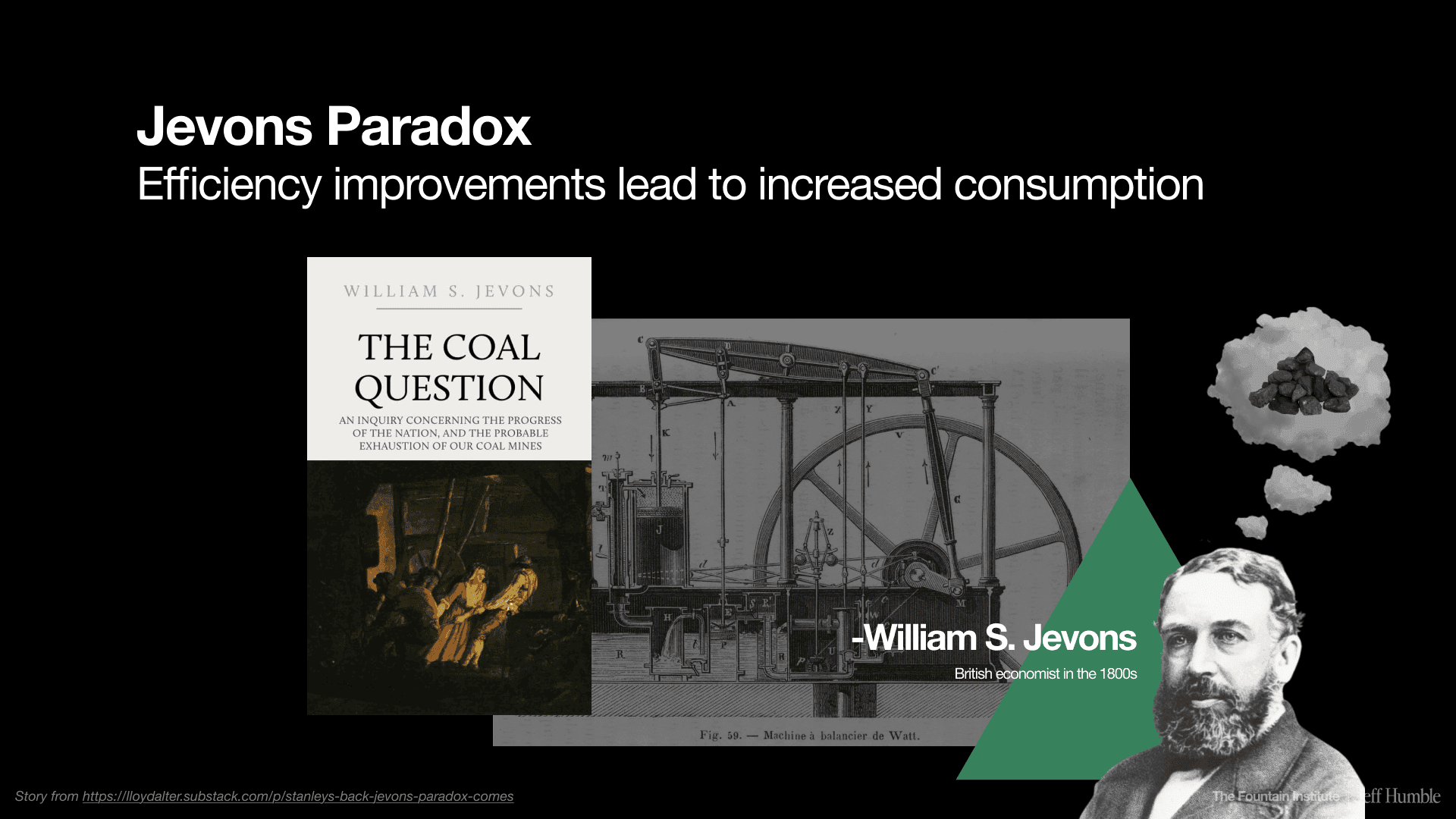
During the 1800s, economist William Jevons observed something counterintuitive about steam engines. As engines became more efficient and used less coal per unit of work, Britain actually burned more coal overall. That’s because efficiency made coal cheaper, so more people used it, and used it more often.
This became known as the Jevons Paradox: efficiency improvements lead to increased consumption.
How the Jevons Paradox Applies to Design Work
Now apply this economic principle to design:
Email made communication instant → designers get sent more emails
Figma made design iteration easier → stakeholders request more revisions
AI makes design execution 10x faster → there will be more design work
When I asked designers what they thought would happen when AI makes them five times faster, the top two answers were:
You get 5x the feature requests (same team, same timeframe, more work)
Same features, but with 1/4 the team size
Almost nobody picked "nothing changes, and you get more free time at work."
The reality? Your organization will capture that time unless you do something to protect it.
The Future of UX Design: Running Faster vs. Running Smarter
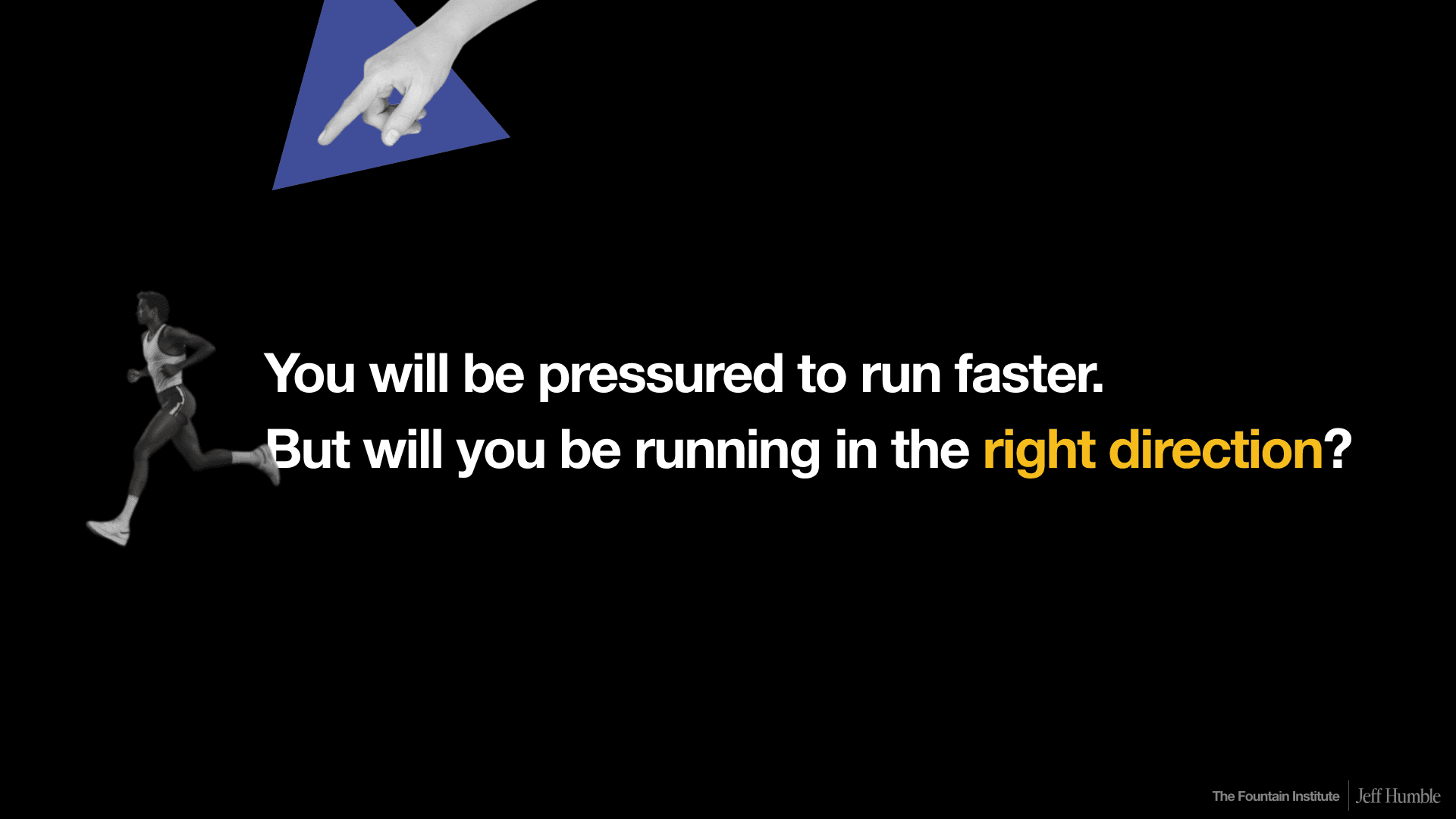
You're probably going to be pressured to design faster in the coming years. But will you be designing in the right direction?
This is where UX strategy becomes critical. And I don't mean strategy as some abstract executive buzzword to be thrown around. I mean strategy as real work in the human layer that sits between your business goals and your AI design tools.
The Three-Layer Framework for AI-Augmented Design
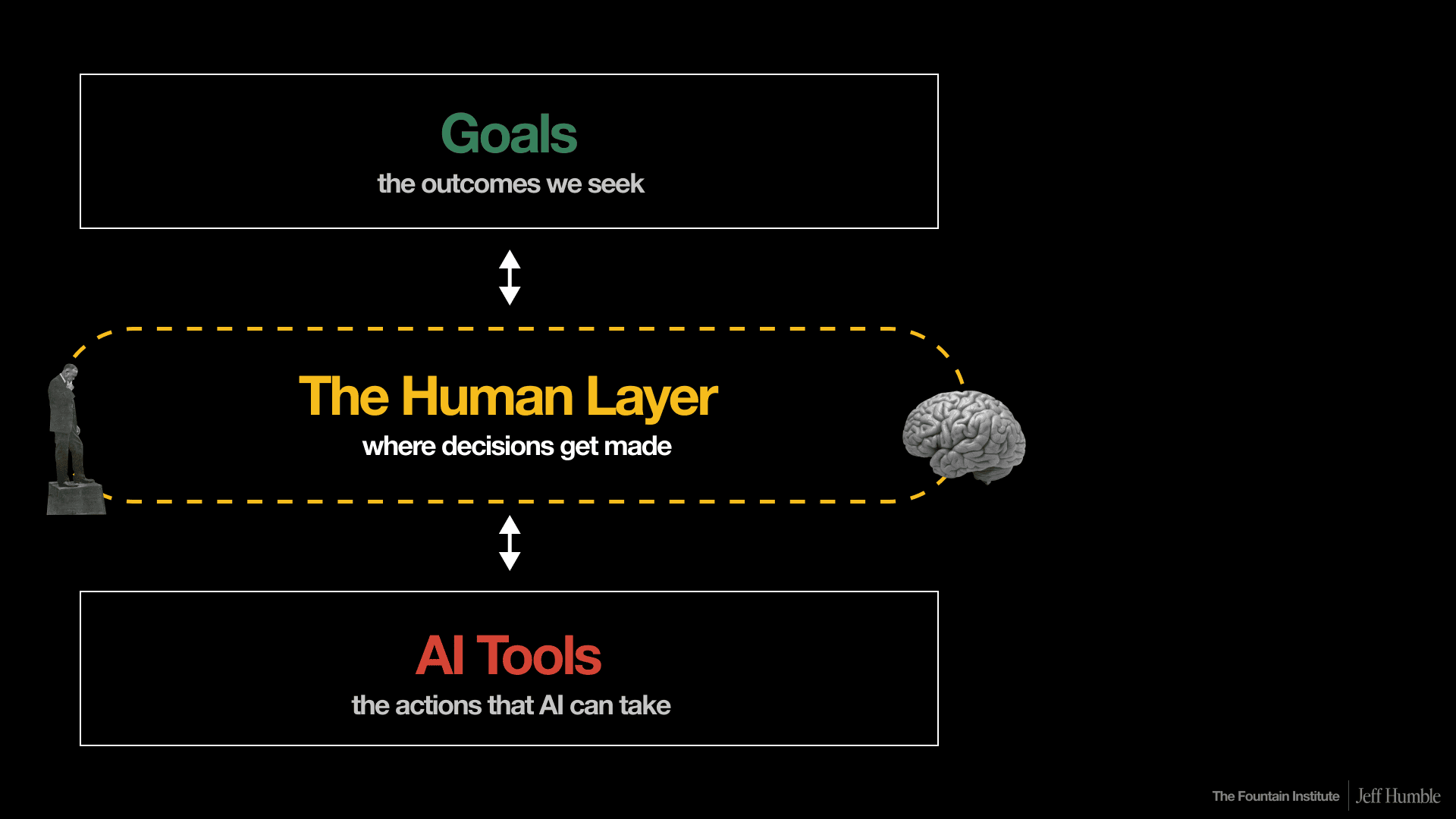
Think of your work in three layers:
Top layer: Goals (business outcomes, UX goals, career objectives)
Middle layer: The human layer (where decisions get made)
Bottom layer: AI tools and execution
If you don't strengthen that middle layer, the human layer, then AI might skip you and jump straight to business goals without your guidance. That's not where we are today, and it's not a future most designers want.
Three Types of Strategic UX Work AI Can't Do Well (Yet)
I want to focus on three areas where human designers excel and AI struggles. These are your opportunities to build irreplaceable UX skills.
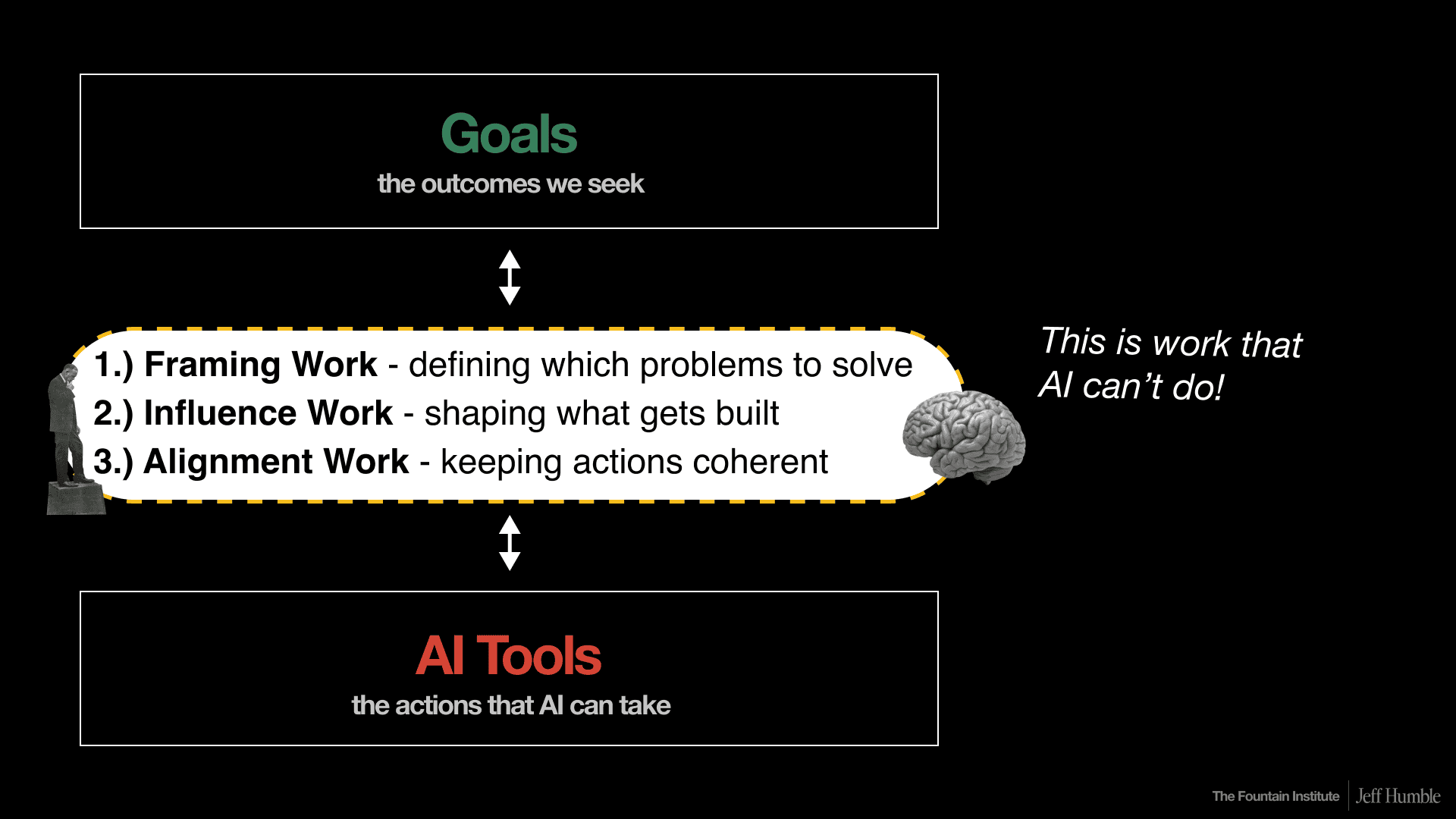
1. Framing Work: How to Define Problems (Not Just Solve Them)
Framing is deciding where to focus attention and how to approach a problem. It's the difference between success and spectacular failure.
Case Study: IBM Watson's $5 Billion Framing Mistake
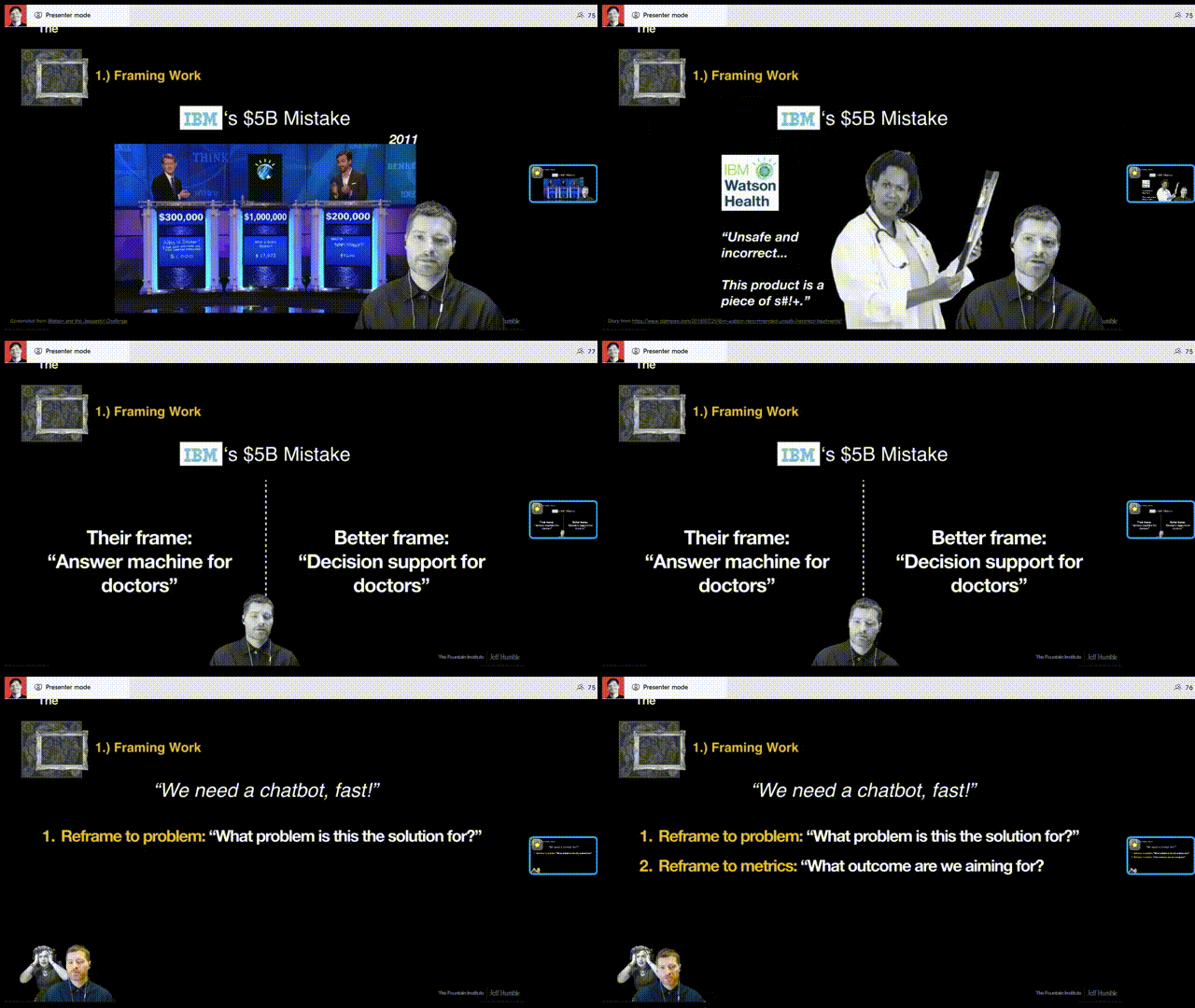
In 2011, IBM built an “answer machine” AI that destroyed two Jeopardy champions. This system was an early version of ChatGPT, and when it won, the world was shocked.
Watson’s victory was a massive win for IBM and AI. They thought: “This works great as an answer machine. Let's monetize this for doctors!” Their answer machine for doctors was going to change medicine.
But when doctors tried to use it, IBM Watson confidently suggested treatments that would have killed patients.
A doctor at an executive meeting later said: “It is unsafe and incorrect, and this product is a piece of shit.”
It was a $5 billion mistake. They eventually sold it for about $1 billion.
The problem? They framed it as an “answer machine for doctors” when they should have framed it as “decision support for doctors.” The AI wasn't reliable enough to provide final answers with confidence (it hallucinated, just like early ChatGPT), but it could have been valuable as a decision support tool, showing options and trade-offs.
Wrong frame = $5 billion down the drain.
How to Practice Framing Work in UX
But you don’t have to deal with customers to practice framing. Stakeholders are a great way to practice framing for UX designers.
For example, when a stakeholder says, “We need an AI chatbot feature for our product.” you could reframe in three ways:
Reframe to a more strategic problem: “Which business/user/market problems is this the solution for?”
Reframe to strategic goals: “What high-level outcome are we aiming for?”
Reframe to strategic positioning: “How will this help us differentiate in the market?”
These aren't threatening questions. They're simple, but they require judgment and context that AI doesn’t have. They're also a great way to start practicing a strategic mindset.
2. Influence Work: How to Move Upstream in Product Development
Most UX designers work downstream. Product sets the roadmap, design executes. Problems are defined by product managers, and designers solve them. Priorities are decided by leadership, and designers deliver.
There's nothing wrong with this relationship. It's often how product and design teams work together. But if you want to build influence and advance your UX career, you need to move upstream.
What Upstream UX Design Looks Like
Participate in roadmap planning sessions
Propose what problems to solve before anyone assigns them
Bring customer insights to leadership at strategic moments
Have a voice in what gets prioritized each quarter
I call this “rowing upstream” because it will feel much harder than going with the flow. It takes time to build influence. You won't get invited to roadmap planning unless you’ve demonstrated your ability to think and act strategically. For UX designers, that looks like mastering business goals, strategic user needs, and how they can connect.
Practical Example: Influence Work in Action
👀 No influence work: You notice a critical user problem. You mention it in the retrospective. You hope product management does something. You wait. (This is a floating downstream behavior)
🔭 Strategic influence work: You document the user problem with evidence. You analyze the business impact. You schedule 30 minutes with product leadership. You propose it for Q3. You follow up. (This is a moving upstream behavior)
Is this product management's job? Absolutely. But product managers are swamped. You have UX knowledge and user insights that can dramatically improve your organization's decisions. Why not share them?
This is how senior UX designers differentiate themselves and move into UX leadership roles.
3. Alignment Work: How to Create Coherent User Experiences at Scale
When you ship 3 features a year, they can be reasonably coherent on their own. When you start shipping 15 features a year (because AI makes you 5x faster), these features will be harder to align without intentional strategic work.
Example: Non-Aligned vs. Strategically Aligned Design Work
Non-aligned features (scattered, tactical):
Improve search functionality
Add social sharing buttons
Redesign the user profile page
All good features. Users would probably like them. But they're just...random.
Strategically aligned features (coherent, purposeful):
Add a related content sidebar
Add breadcrumb navigation
Add personalized content recommendations
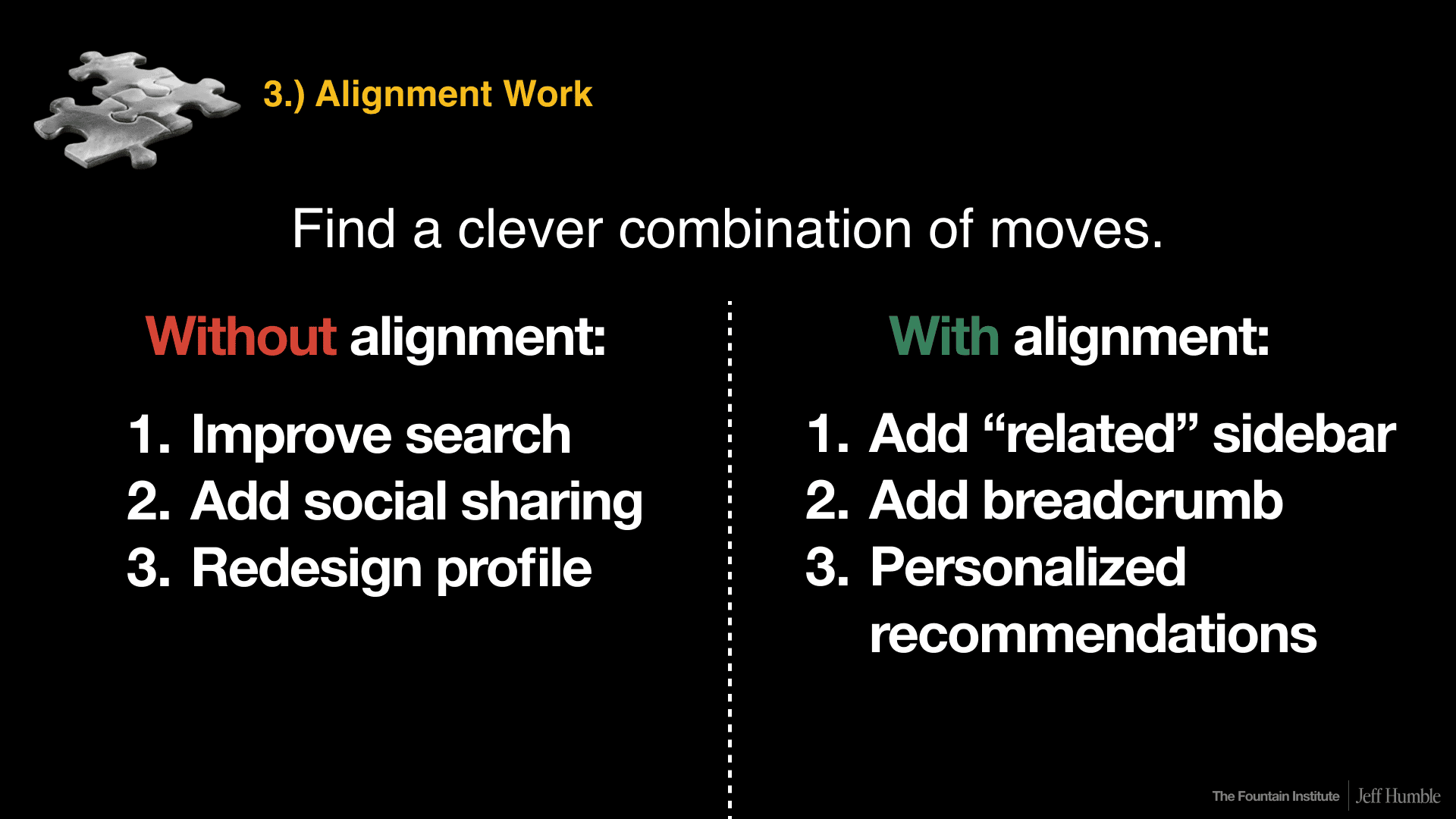
What's the secret strategic alignment? Help users discover content they didn't know existed.
Each feature strengthens the others toward one unified goal. That's UX strategy. That's the hidden human layer at work.
Why Strategic Alignment Matters for Competitive Advantage
When you look at a competitor's product, you can see their features and UI, but you can't see the strategic alignment behind it all. You can't see the human decisions and prioritization framework guiding their work.
That strategic layer, the human layer, is what creates true competitive differentiation in product design.
Why AI Struggles with Alignment
AI is a people-pleaser. It tells you what you want to hear. But real alignment requires pushing back, saying no, and sharing hard truths that stakeholders don't want to hear.
AI can generate ideas for alignment. But can it convince a skeptical VP? Can it navigate office politics when alignment conflicts with someone's quarterly bonus? Can it read the room and know when to push versus when to back off?
Strategic alignment isn't about having the right answer. It's about getting people to agree on the right direction, even when it's uncomfortable.
That takes a human.
The Simple Formula: How Framing + Influencing + Aligning = Strategy
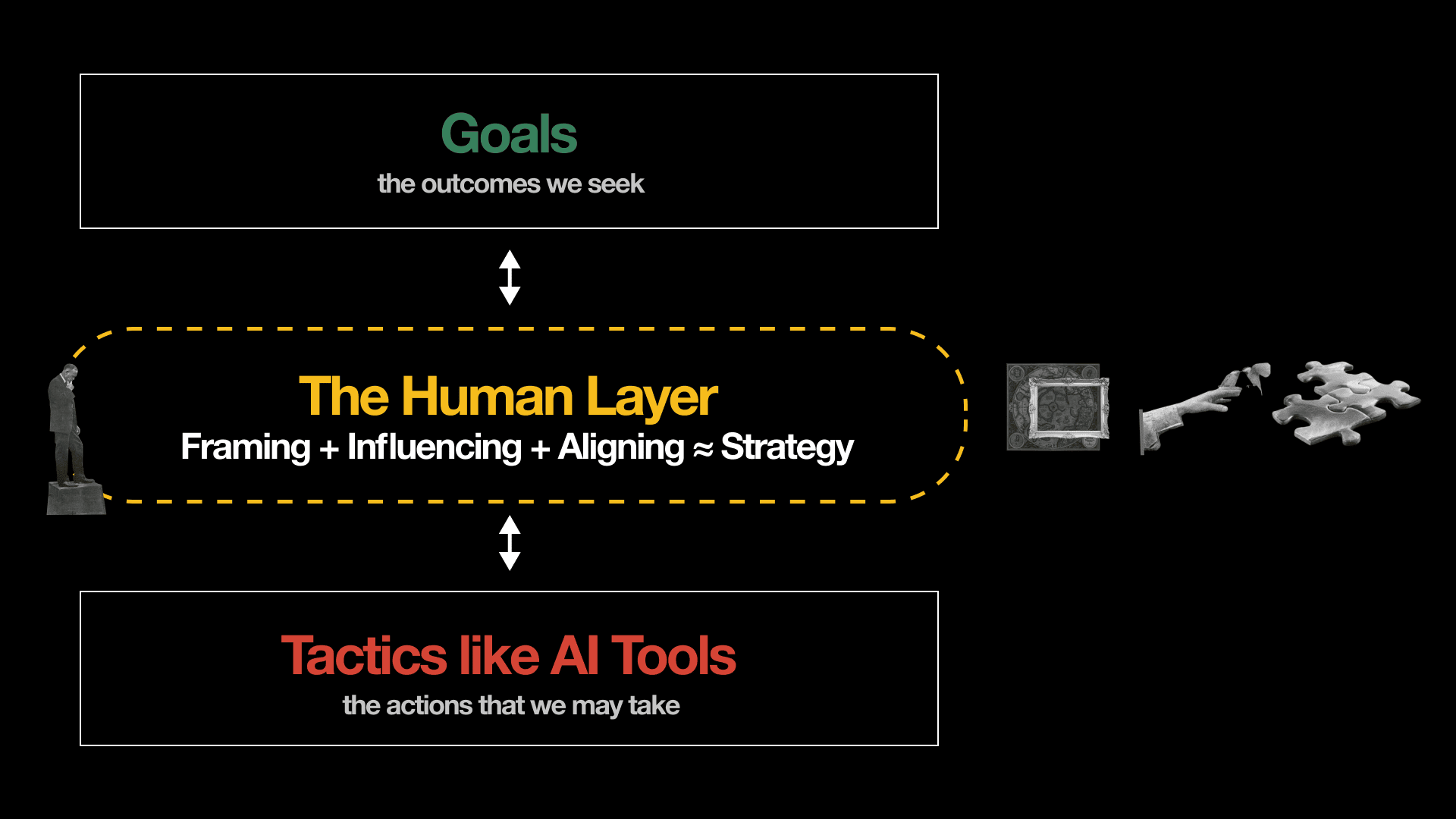
These three types of work aren't just random skills. Together, they form a practical approximation of strategy work:
Framing: What should we design?
Influencing: How do we shape what gets designed?
Aligning: How do we keep our design work coherent?
This is the human layer. This is what separates tactics (the things we create with tools, the UI we design) from strategy (the thinking that guides all design decisions).
When AI handles the tactics, UX designers who have mastered strategy become the drivers of the user experience.
How to Become a Strategic UX Designer: A Practical Guide
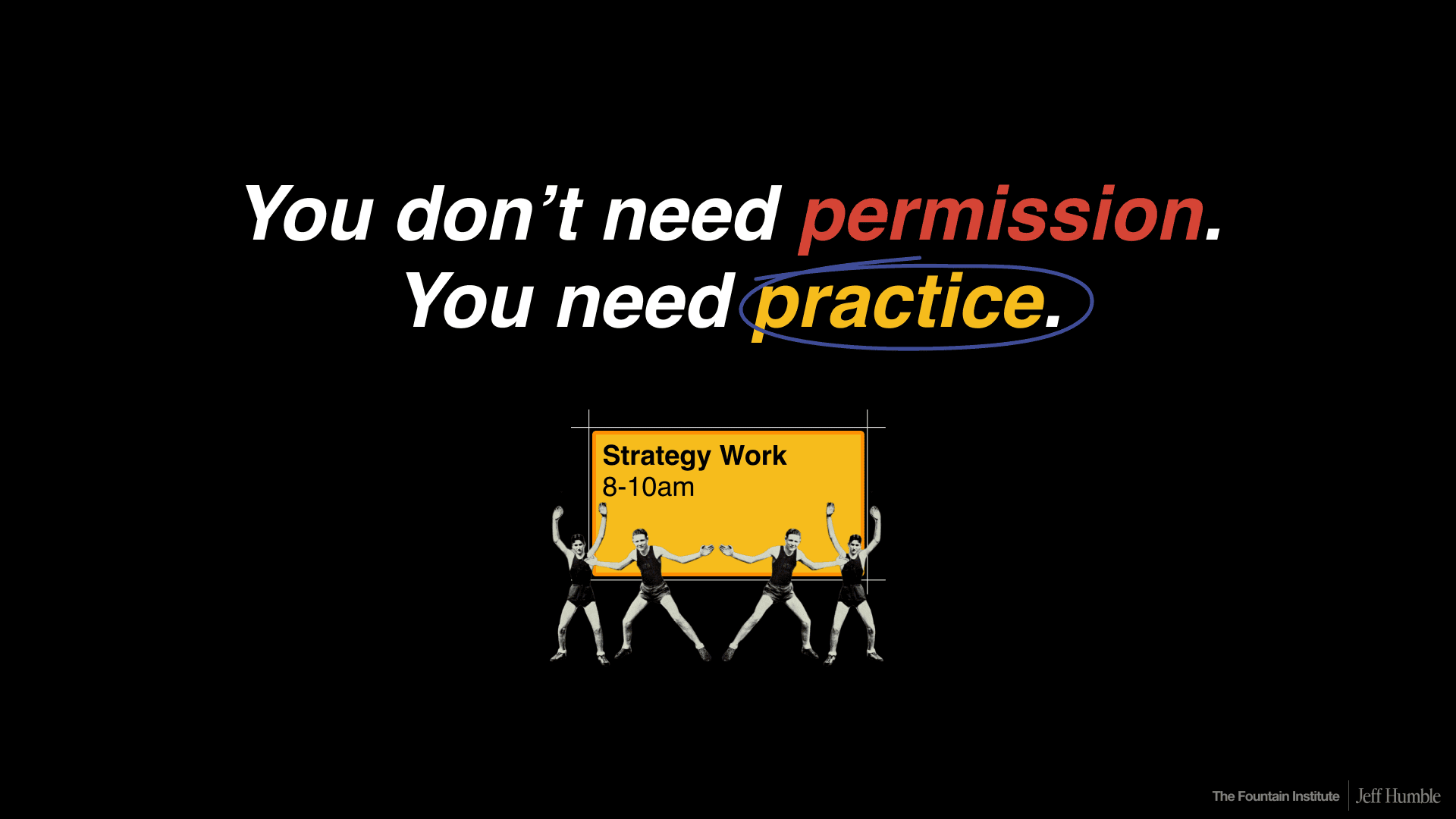
Here's the good news: you don't need permission to become more strategic. You need practice.
And because major UX strategy projects happen rarely (you might create one comprehensive UX strategy every 2-5 years), you have to manufacture practice opportunities. Here’s how…
Step 1: Protect Two Hours Every Week for Strategy Work
Make a two-hour block in your calendar and protect it fiercely. Call it “focus time” or “research” or whatever works in your culture. Use it for strategic UX work.
Consider planning human layer activities like framing, influencing, and aligning. Strategists think in years, not weeks or quarters. Take this time to plan things beyond the current sprint.
Right now, we're not sure how much time AI is saving, and managers don't know exactly how long design tasks take with AI. That makes today the perfect time to claim some strategic thinking time…before it’s too late and you have 5x the projects.
Step 2: Practice These Three UX Methods to Get Started in Strategic UX Design
Strategy can quickly become too theoretical if you don’t pair a strategic mindset with action. Here are three beginner-friendly nUX methods to move the non-strategic designer into more strategic directions.
Method 1 - Reframe to the User: Move discussions from features to users
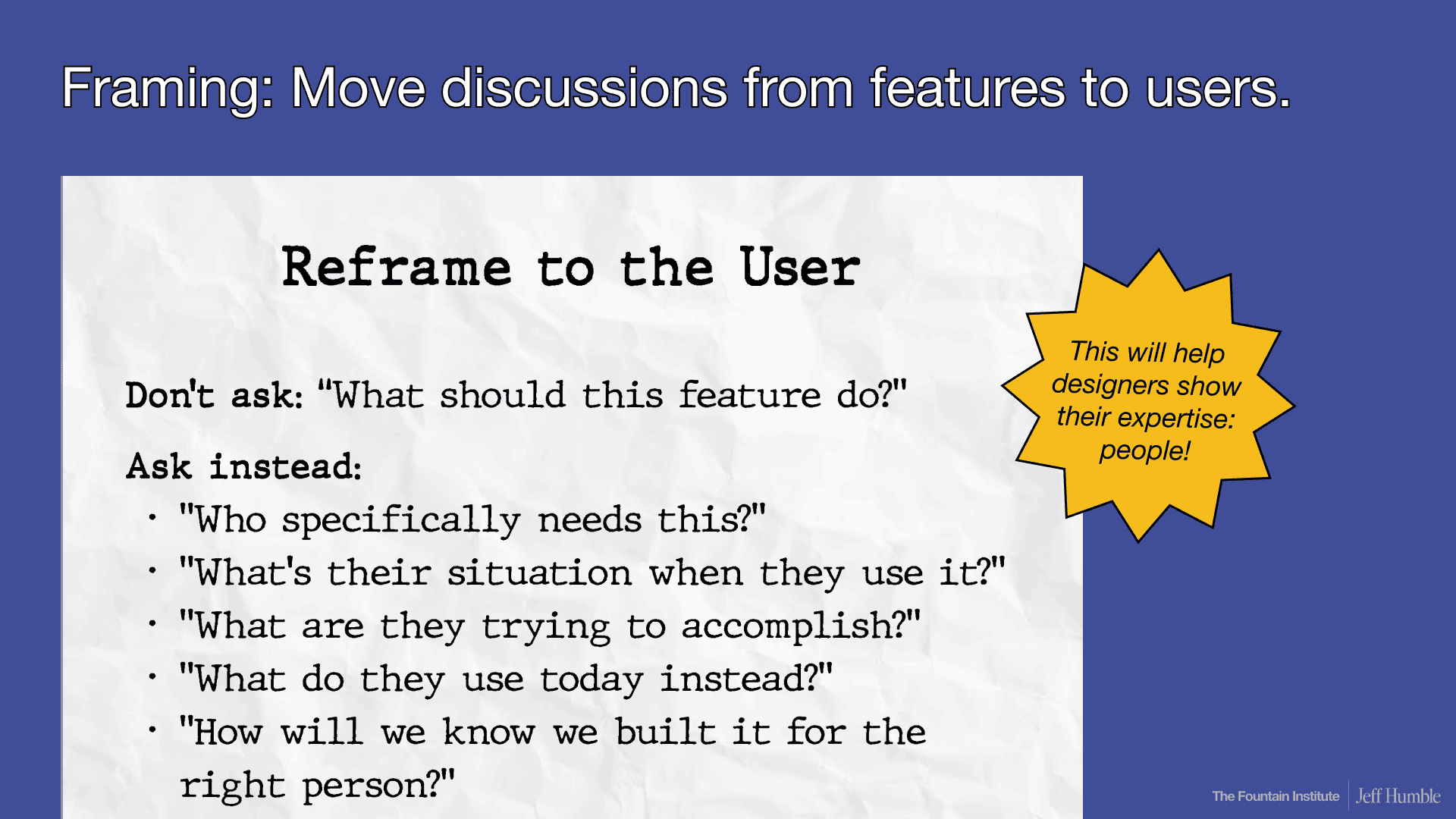
When someone asks you to design a feature, don't ask about the feature specifications. Ask about something deeper than the solution like the user:
Who specifically needs this feature?
What's their situation when they would use it?
What are they trying to accomplish?
What do they use today instead?
How will we know we designed it for the right person?
This moves the conversation to territory where you're the expert: understanding people and user needs.
This method also improves your user research skills and makes your design decisions more defensible…and strategy work is all about improving decisions.
Go pro: try reframing to the business strategy, product positioning, or product vision…not just the user.
Method 2 - Competitor Research: Keep track of competitors
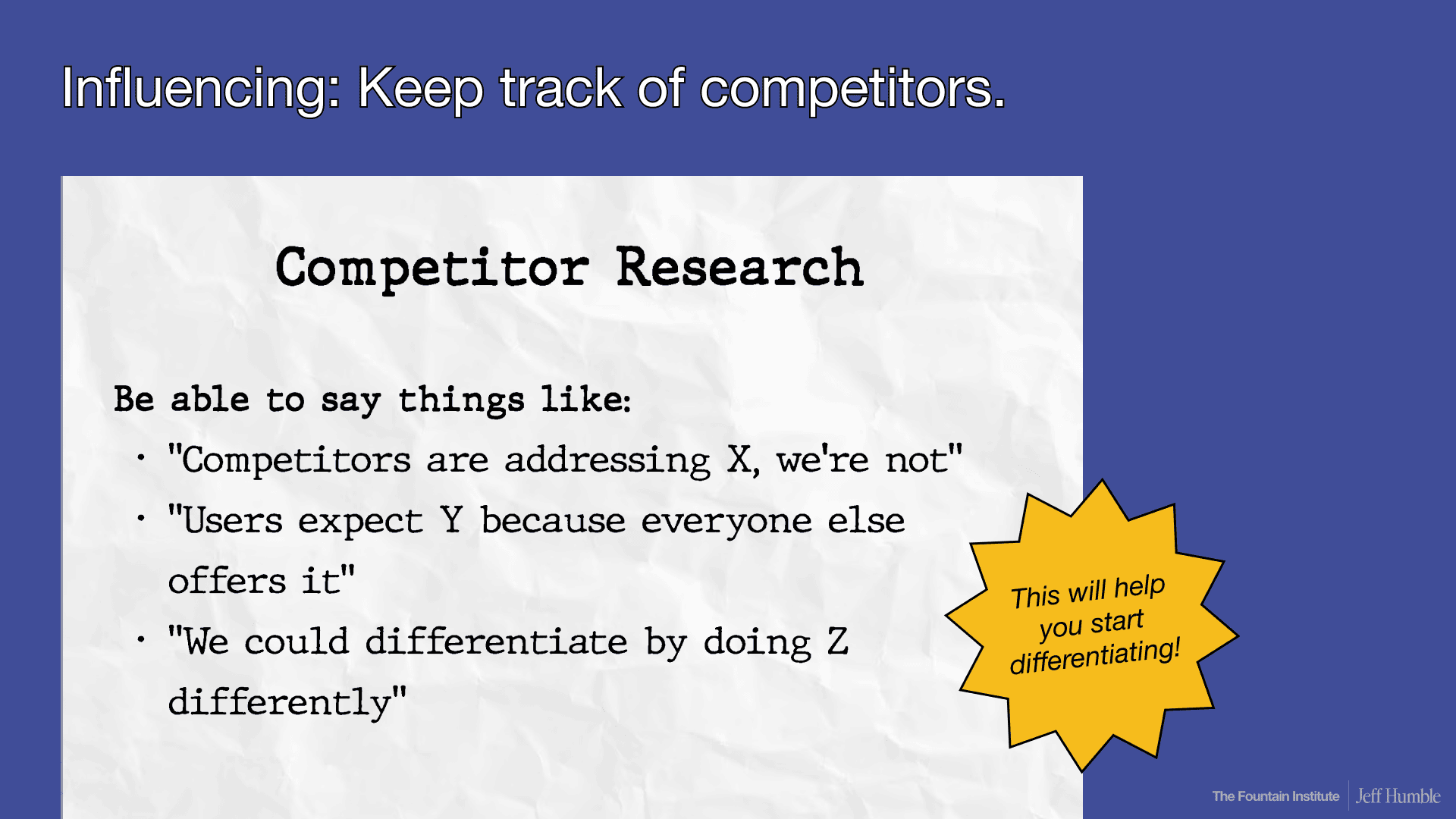
Keep track of your competitors’ UX patterns, design decisions, and product features. This might sound basic, but systematic competitive analysis is incredibly powerful and rarely done well.
When you can say things like:
“Three competitors are addressing this user need, and we're not.”
“Users expect this interaction pattern because it's become an industry standard.”
“We could differentiate by approaching this problem differently.”
...then you're thinking strategically.
Real example from my career: I once did a competitive analysis and shared it in our general Slack channel. For six months afterward, salespeople, product managers, and marketing kept asking me for updates. Everyone cares about competitive positioning, but few designers actually track it systematically.
This single artifact positioned me as a strategic thinker across the entire organization.
Go pro: do this competitor research collaboratively with your team
Method 3 - Goal Setting: Define one big, important goal
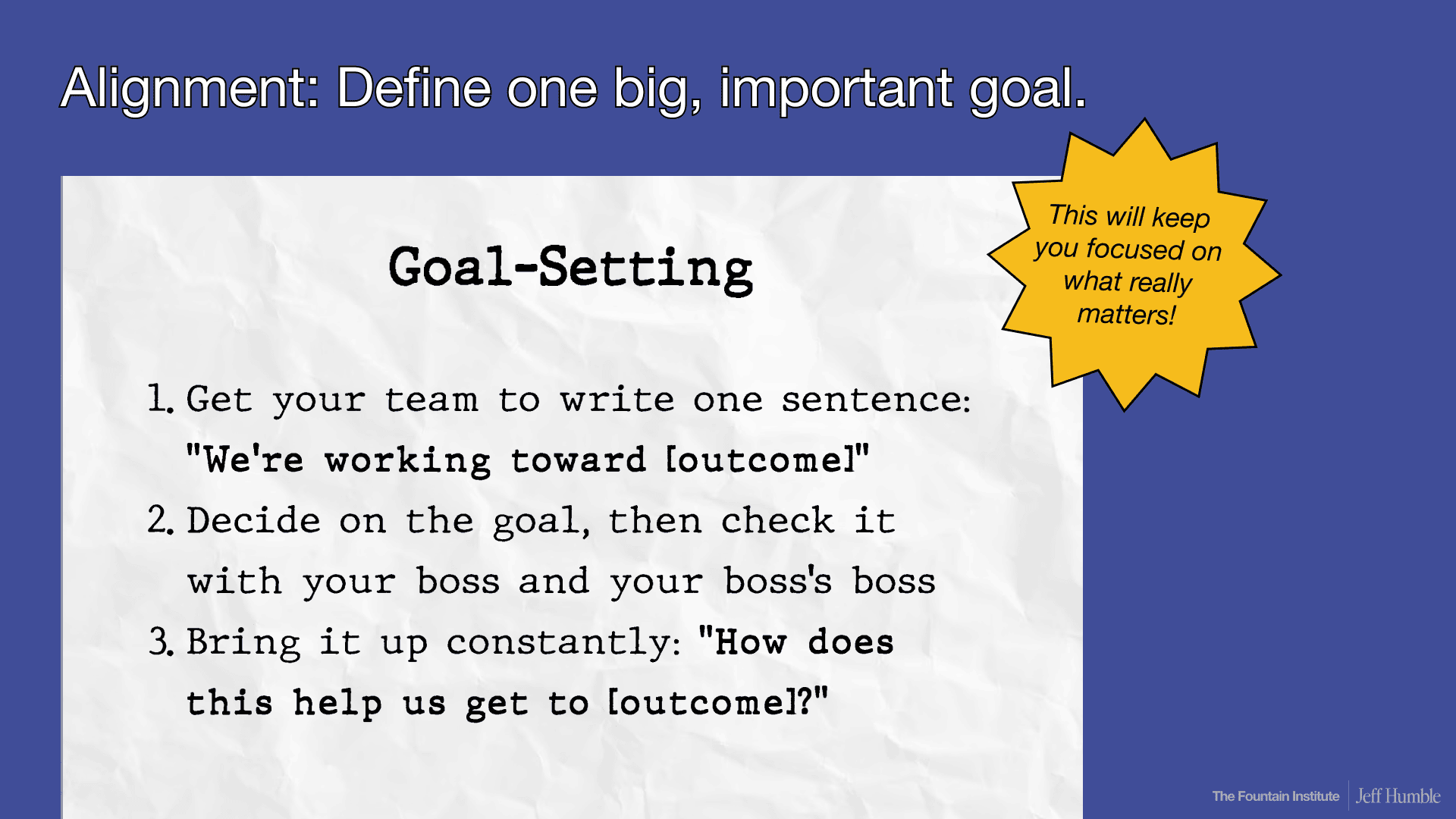
With your product team, collaboratively write this sentence: “We're working toward ___________” (outcome)
Work together. Vote on it. Get it approved by your design director and product leadership.
Then bring it up constantly in design reviews and planning: “How does this design help us get to ___________?” (outcome)
Strategic goal criteria:
Go big: think bigger than quarterly OKRs, go for strategic goals that can last 2-5 years
Make it important: your leadership must agree that it's the right goal
Make it measurable: you need to be able to tell if you're making progress
This single strategic goal will help you make better design decisions. When you face a hard choice between Design Option A vs. Design Option B, you can ask: which one better helps us reach our one big important goal?
Go pro: make your big, important goal to align the business wants with user needs
Watch the Full Talk: “Strategy as the Human Layer”
This article covers the core concepts from my recent talk, but there's much more in the full presentation:
Live polling results from designers about AI's impact on their work
The complete Jevons Paradox explanation with historical context
Additional case studies of strategic vs. tactical UX work
Interactive frameworks you can use with your team
(free registration required)
The Bottom Line: AI-Proof Your UX Design Career
AI will continue to get faster at design execution. That gives designers less time to think about strategic direction.
So act now:
Block that two-hour strategic thinking slot on your calendar
Start with one of the three methods above this week
Practice consistently - strategy is a skill that develops over time
Learning UX strategy is like learning to swim. You can't learn it from articles alone. You can't learn it just by watching others. You have to dive in and practice.
The designers who master framing, influencing, and aligning will be the ones who thrive as AI transforms our field.
Because when AI does the making, strategy is what UX designers can own.
Want to Develop Your Strategic UX Skills?
I teach these concepts in depth in my 6-week live workshop course called "Defining UX Strategy."
In the course, you'll:
Work in small cohorts of 10-15 senior designers
Design a complete UX strategy from scratch using your real company situation
Get personalized feedback on your strategic thinking
Practice facilitating strategy workshops you can run with your team
Leave with templates, frameworks, and a portfolio-ready strategy project
The course runs twice per year and typically fills up quickly.
Learning Resources
What is UX Strategy, Really? - The Goals, Strategy, Tactics framework explained
The UX Strategy Template Your Team Actually Needs - A one-page canvas for designing strategy
UX Strategy vs Product Strategy - How these two disciplines relate