99 Diagrams Every UX Designer Should Know
Learn advanced UX processes, methods, and concepts through visual frameworks
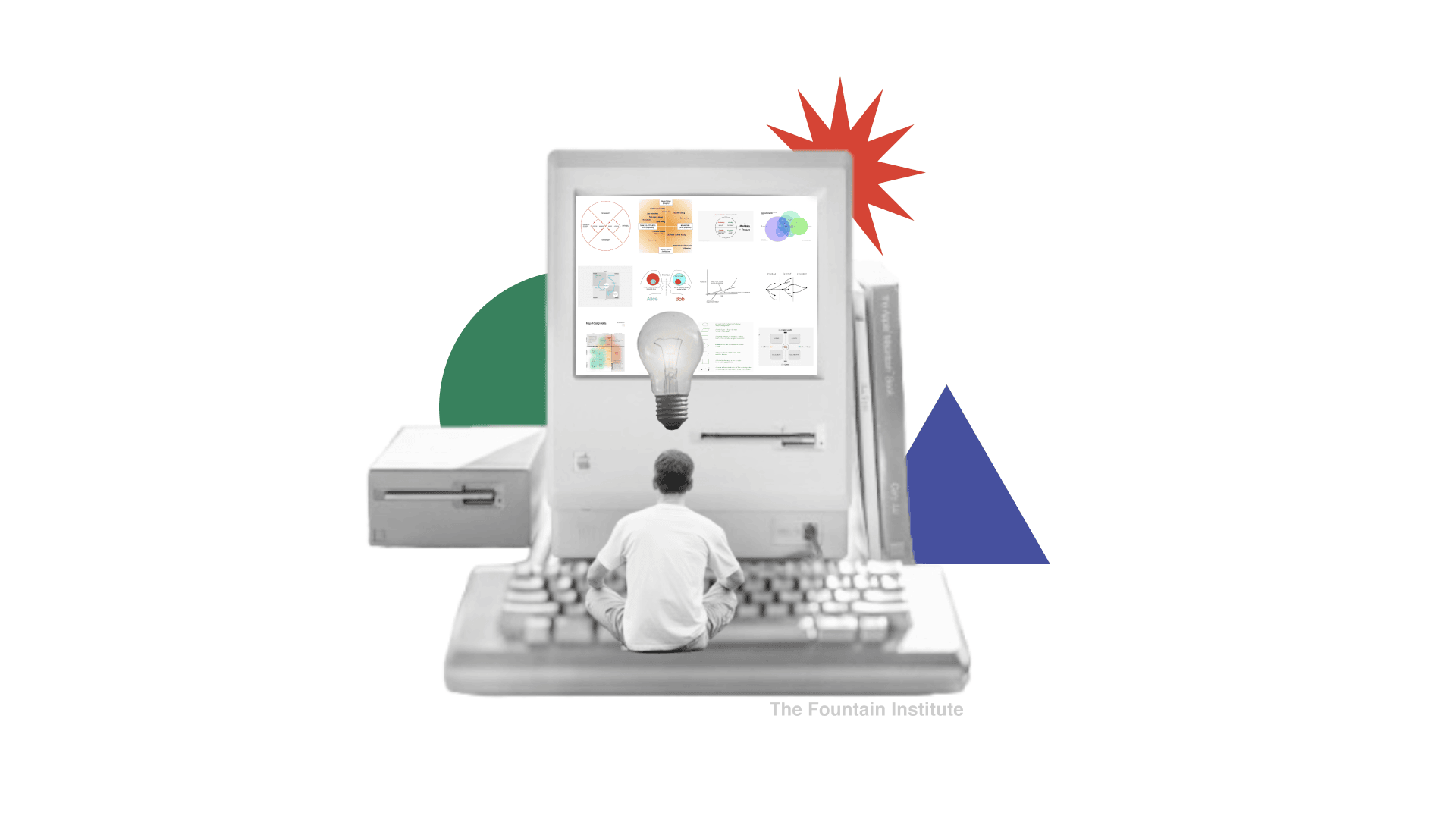
Mastering User Experience (UX) Design is about understanding and harnessing complexity. To excel, you need to develop the skill of simplifying complex ideas into a clear visual. A diagram is exactly that.
What is a UX diagram?
A UX diagram represents a UX concept in graphic form with a simplified line drawing and labels. Its goal is to show the structure and processes beneath a UX-related concept.
UX diagrams to improve your design thinking
These are 99 of my favorite UX diagrams. I picked these because I found myself sharing them over and over.
I’ve been collecting these diagrams for over a decade, but they’re still very relevant today.


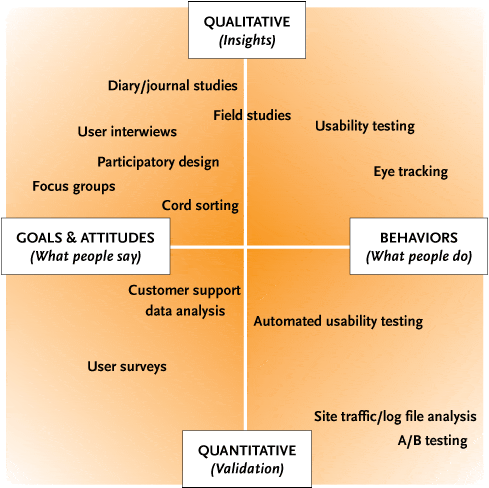


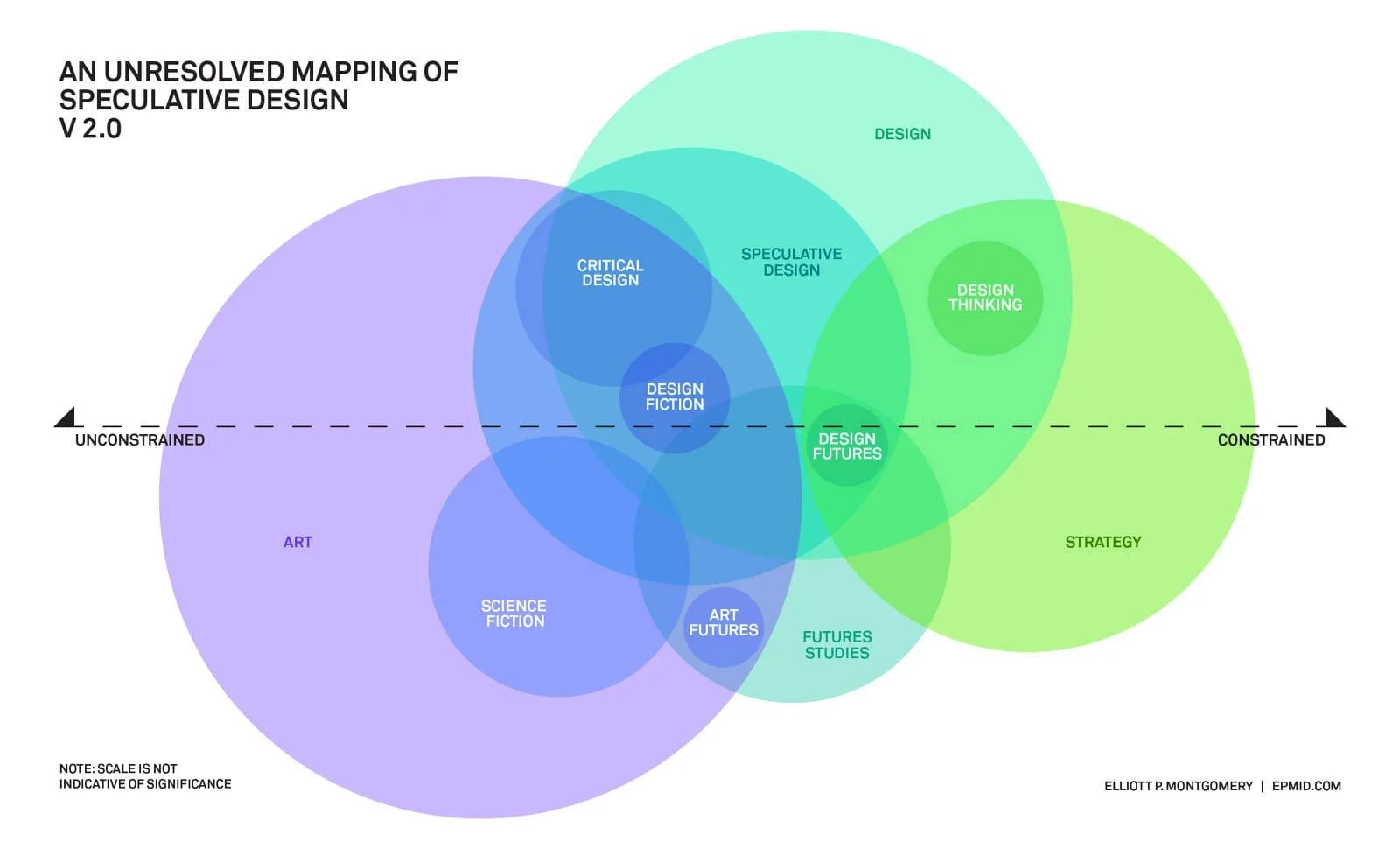


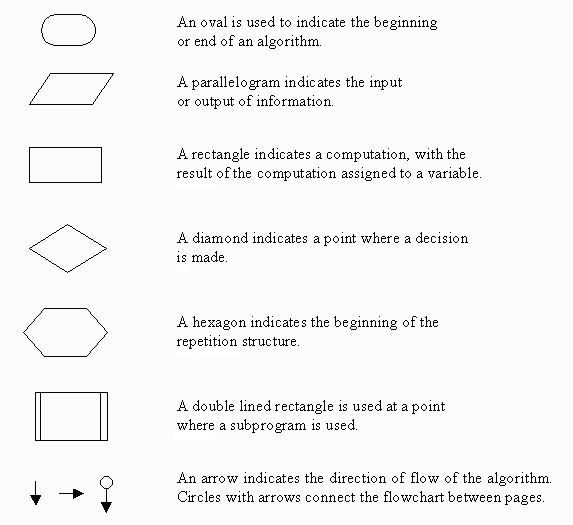


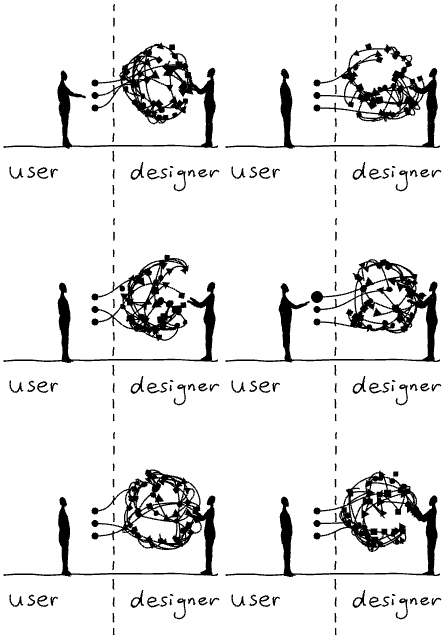


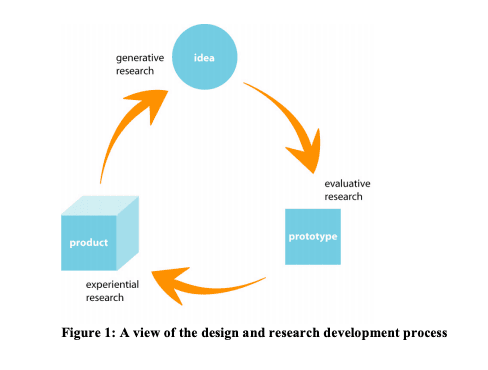
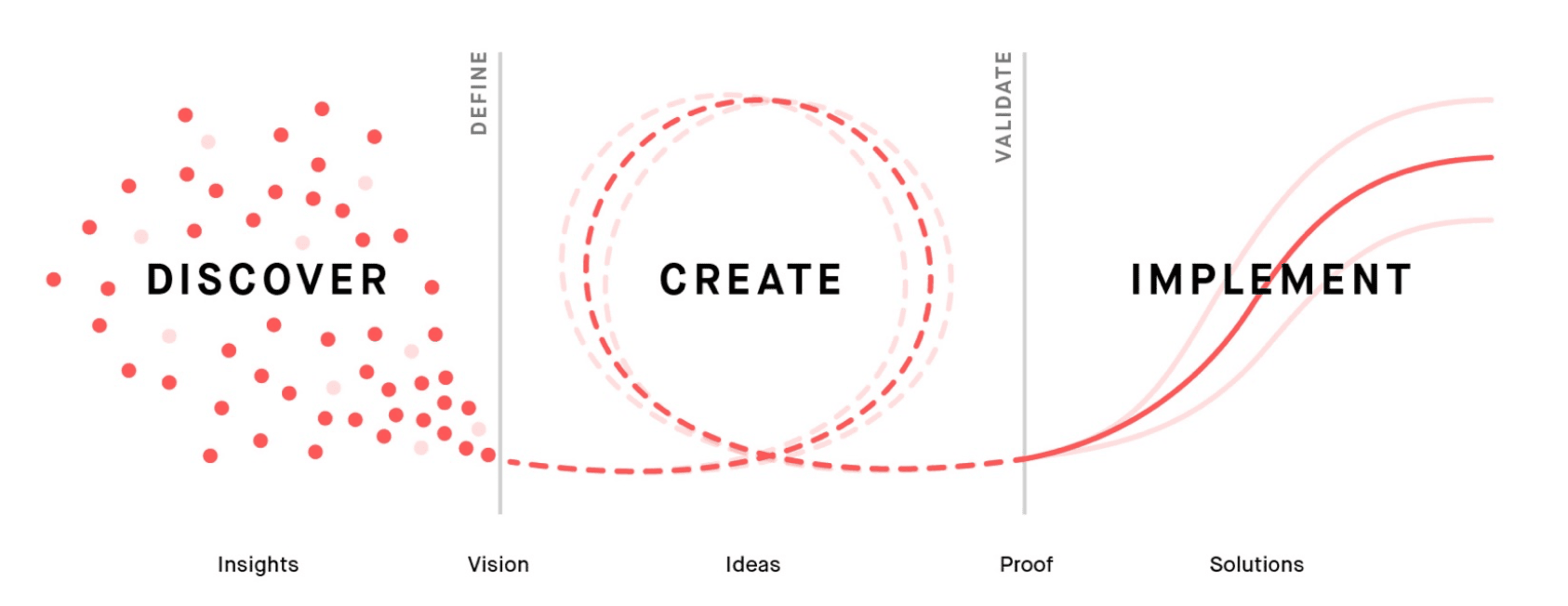


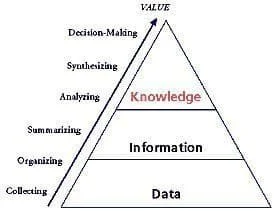

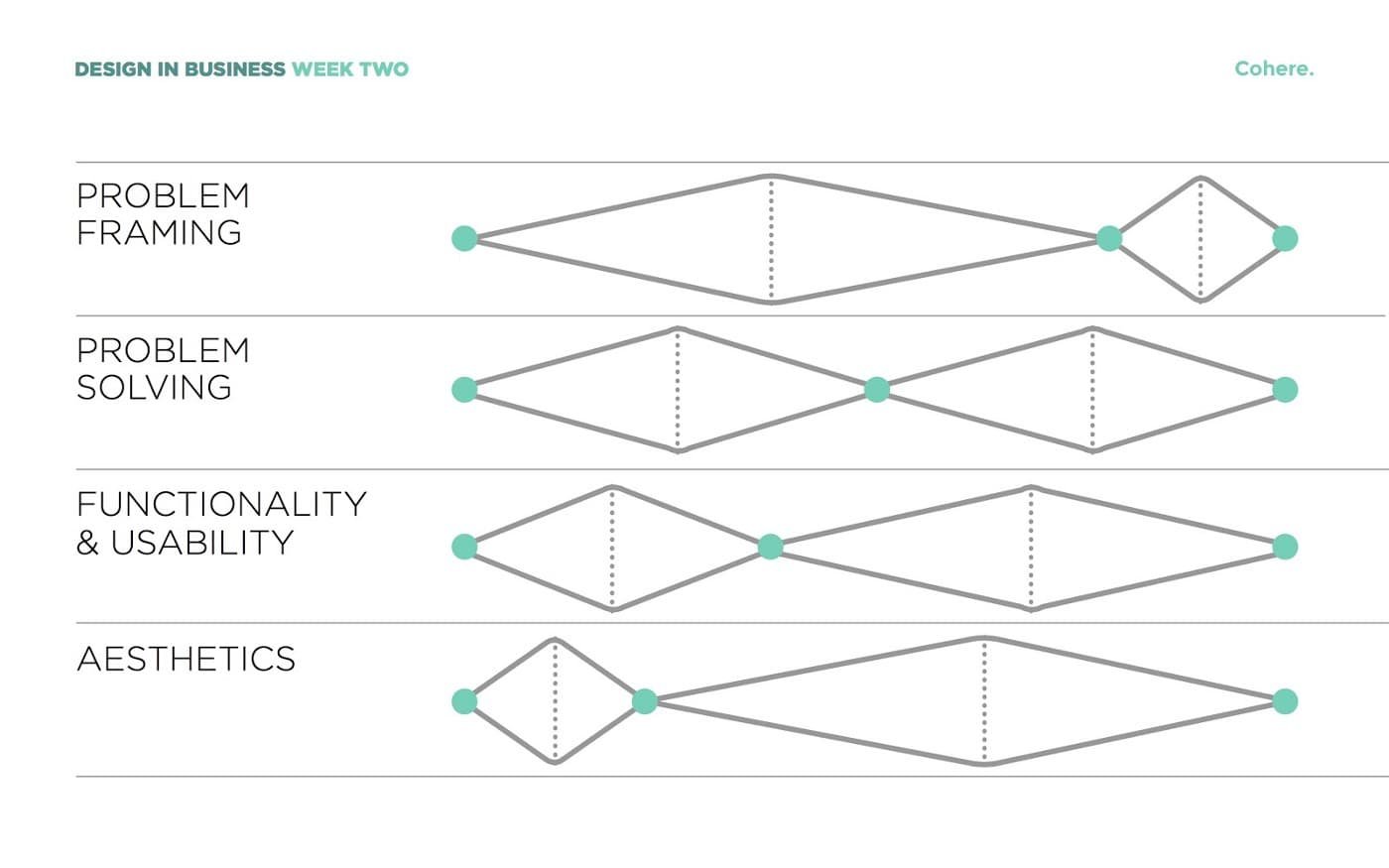
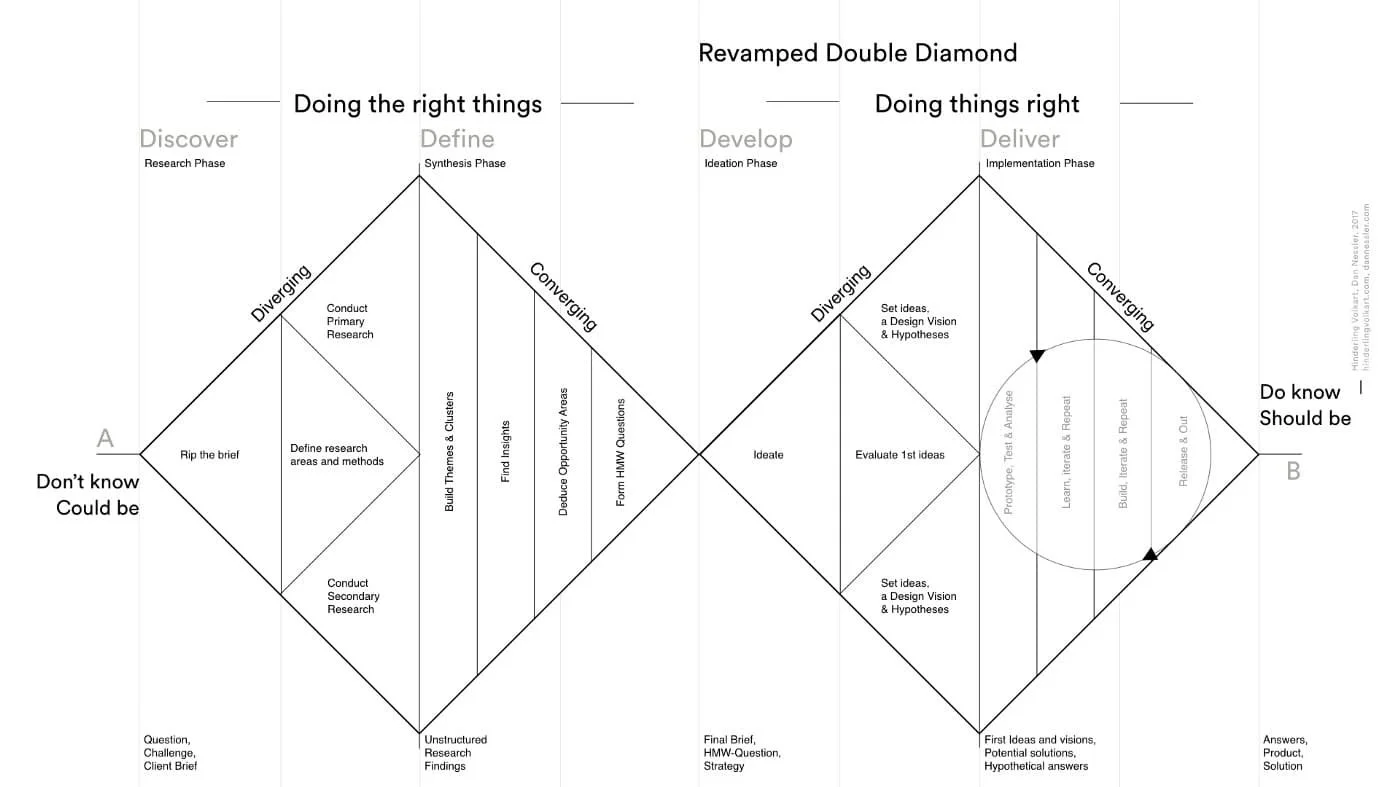

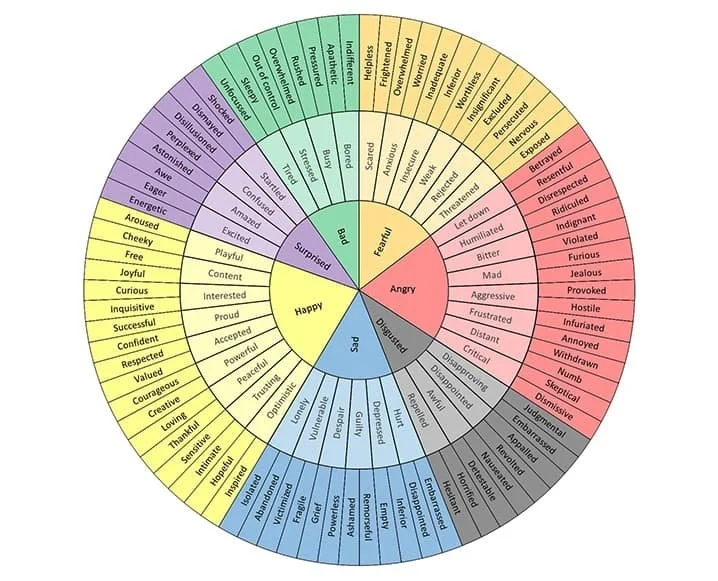


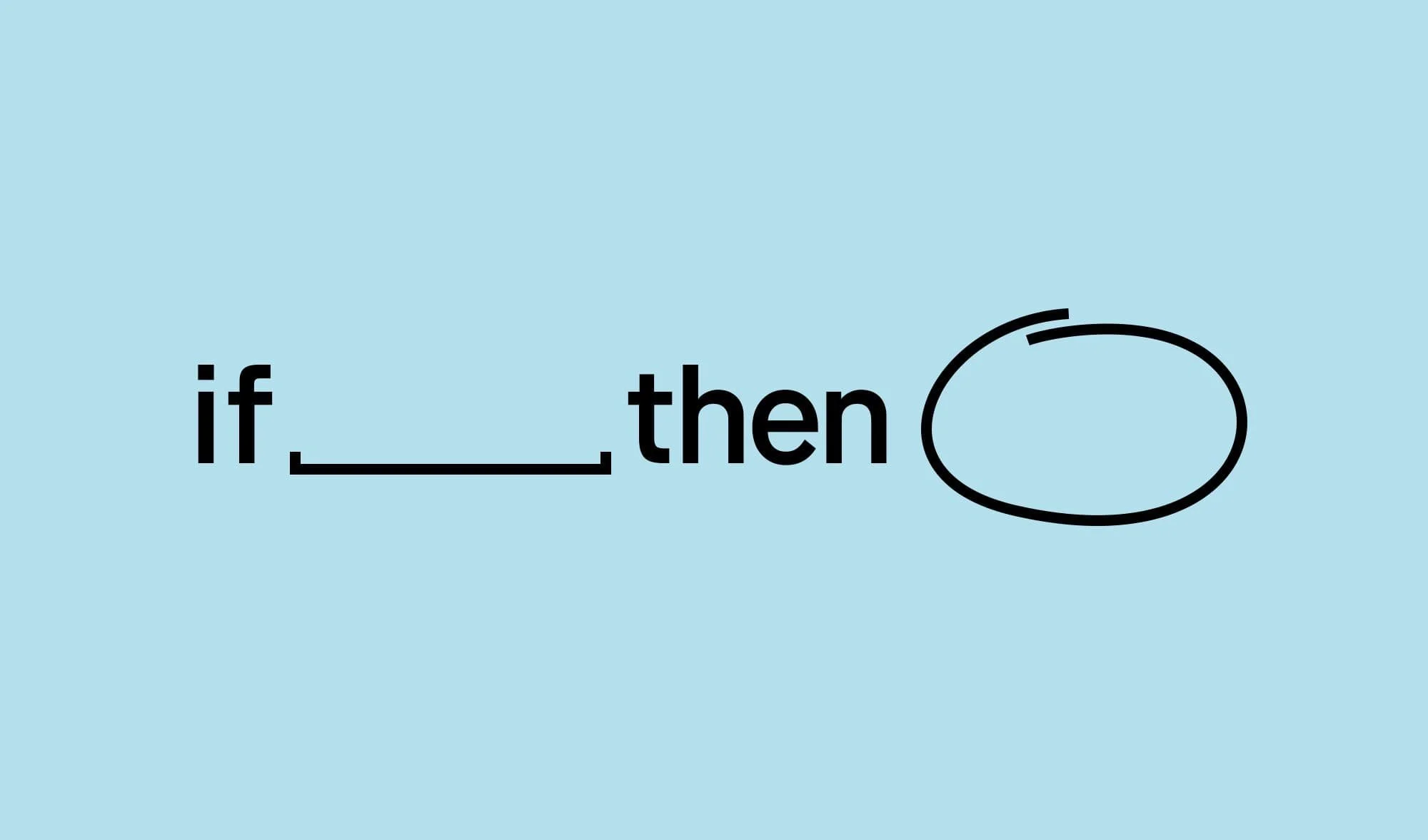

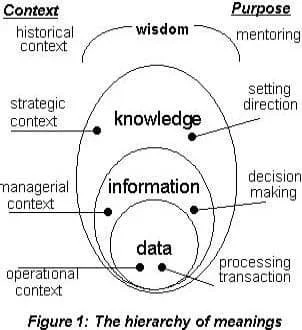

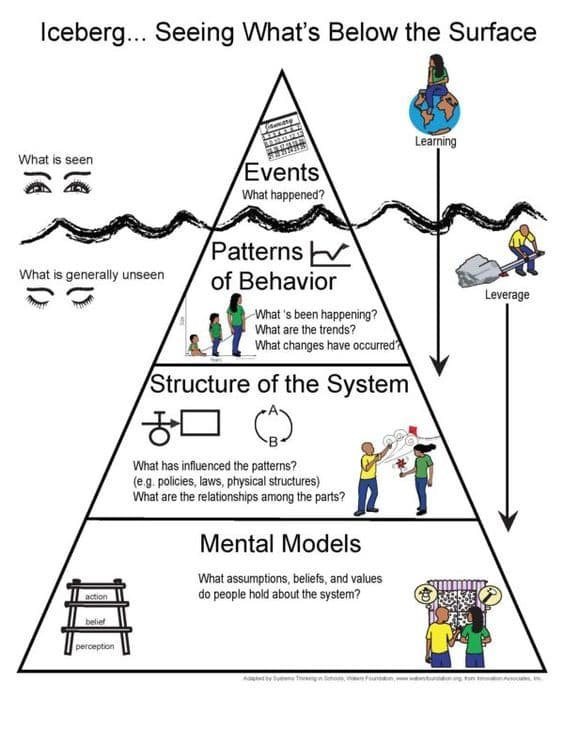


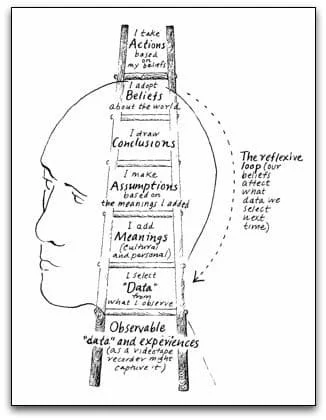


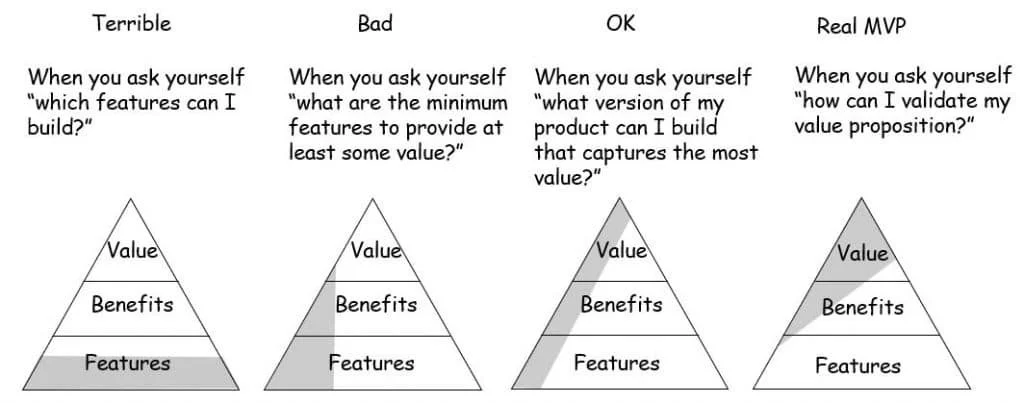
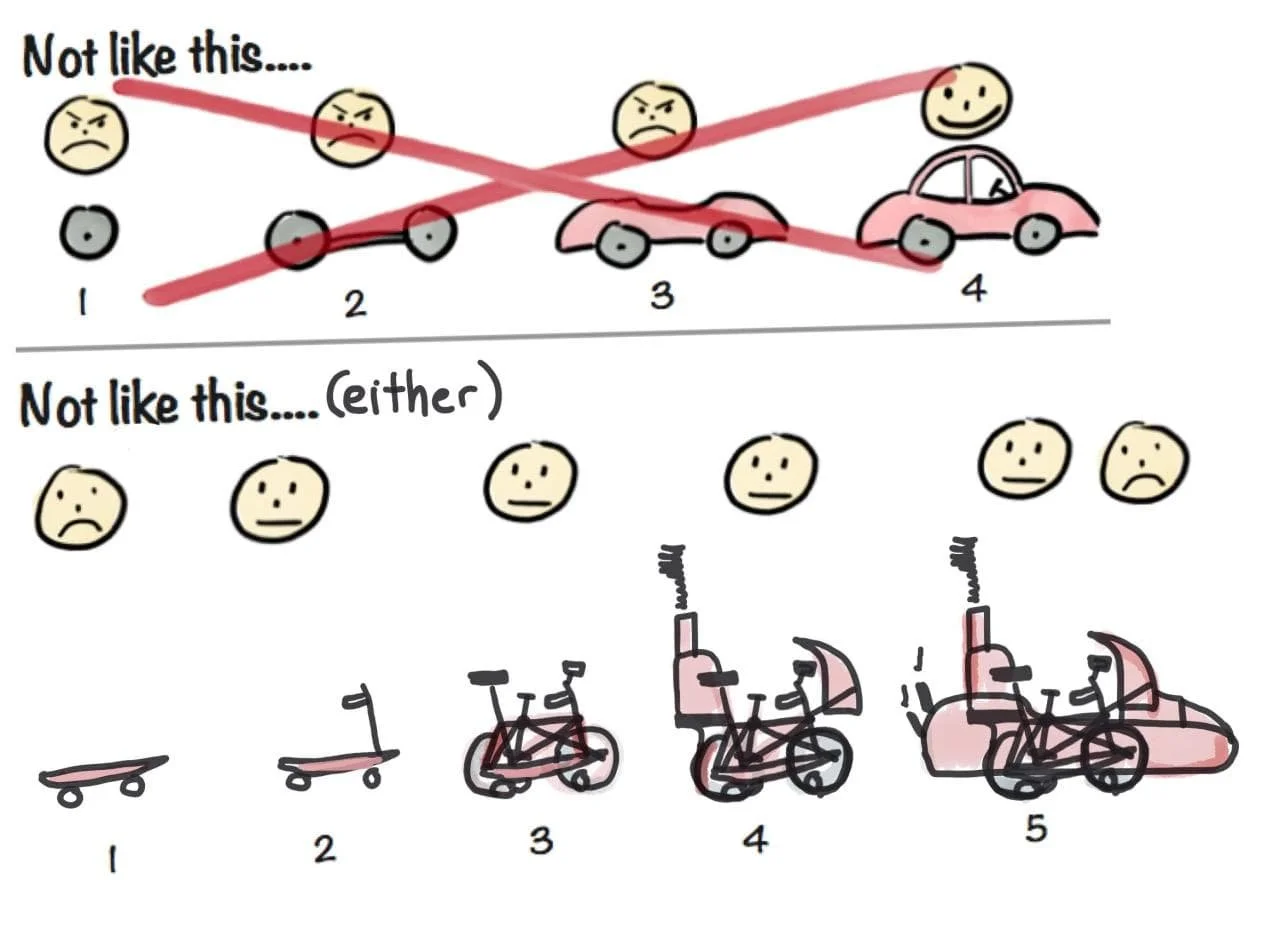
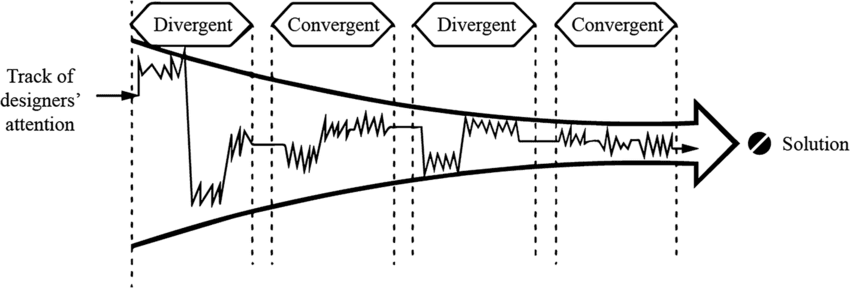


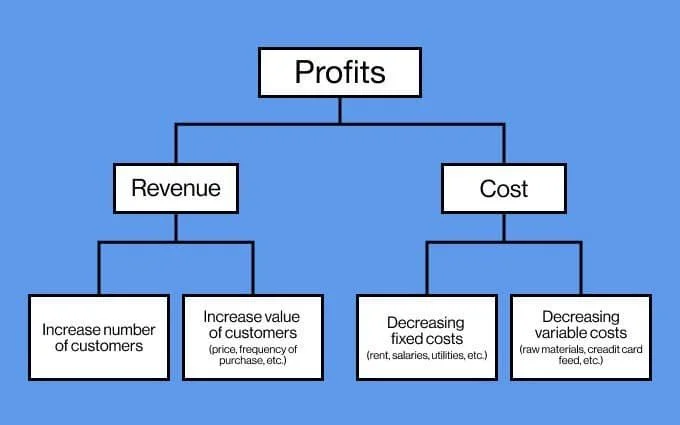


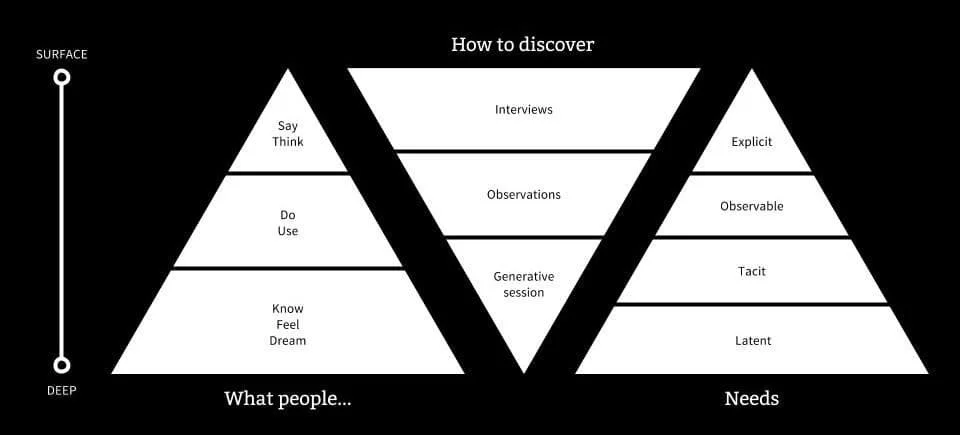

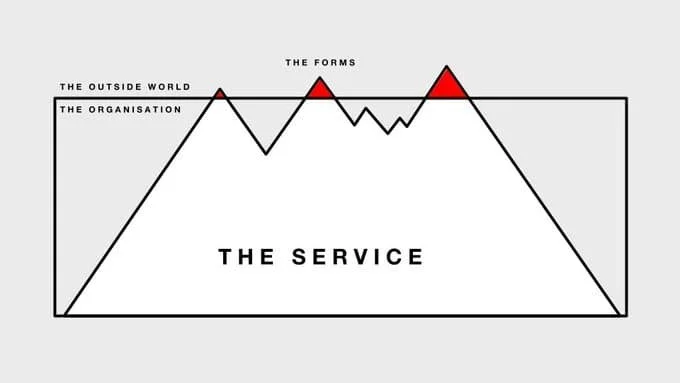


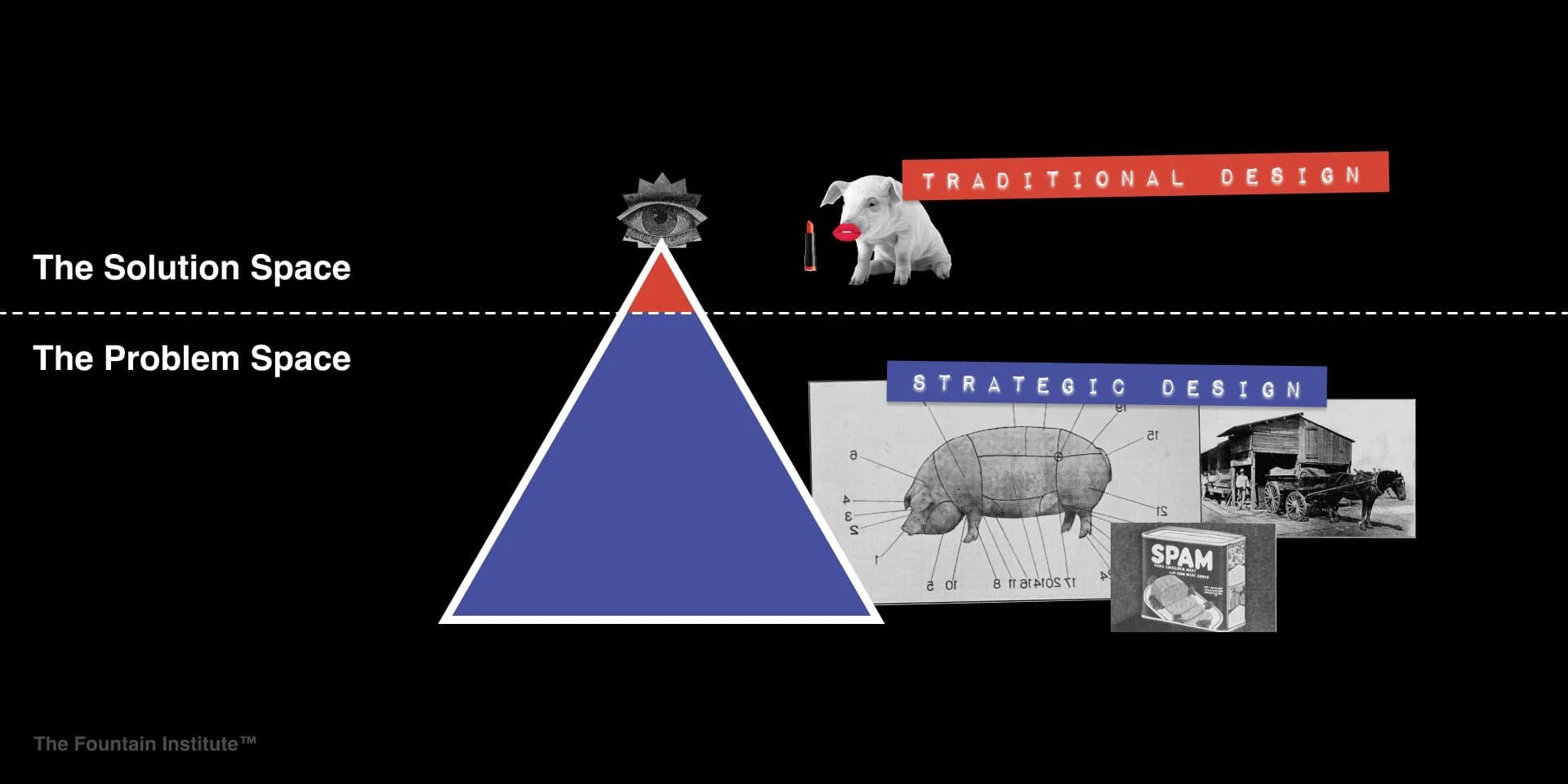


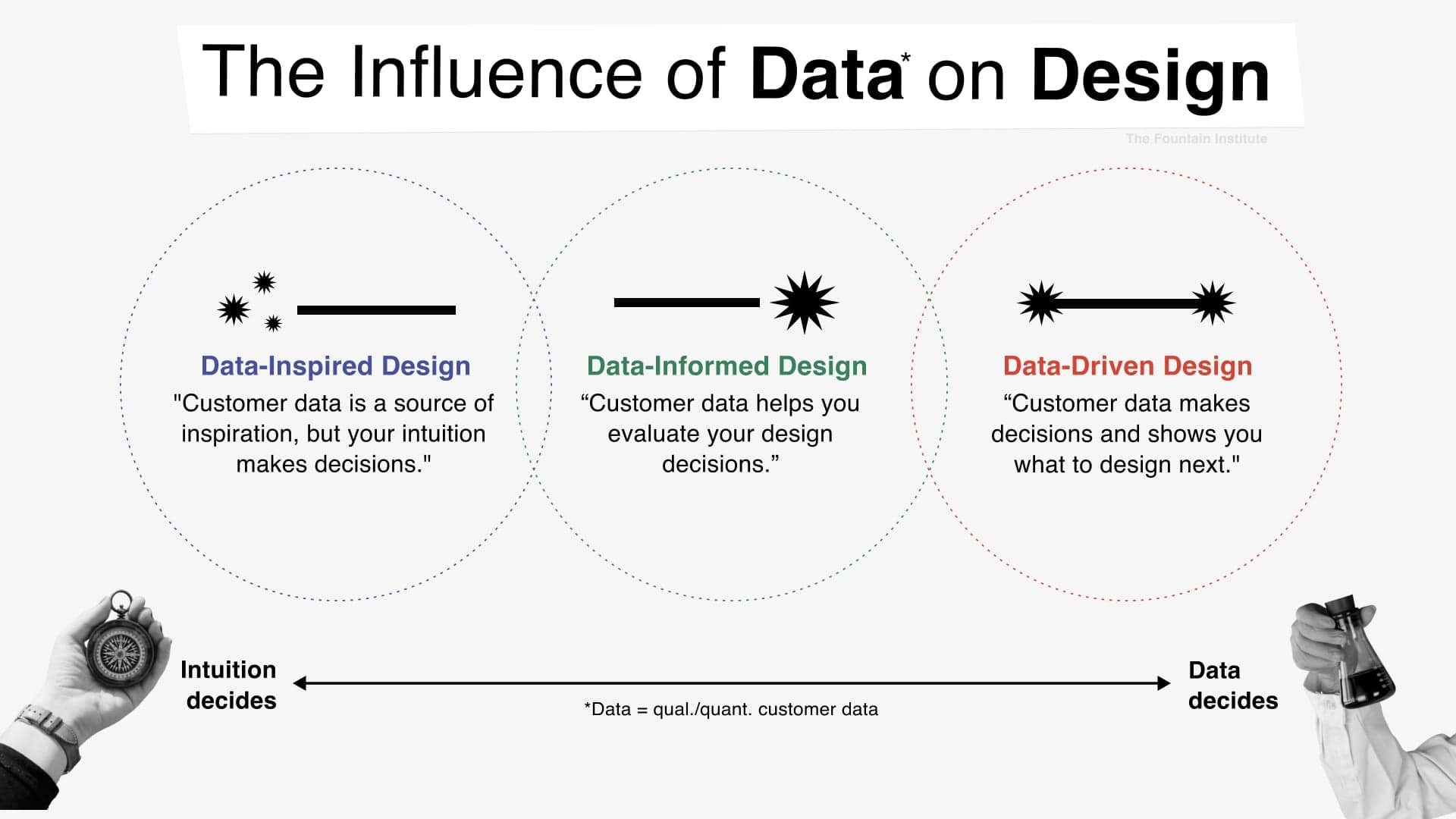


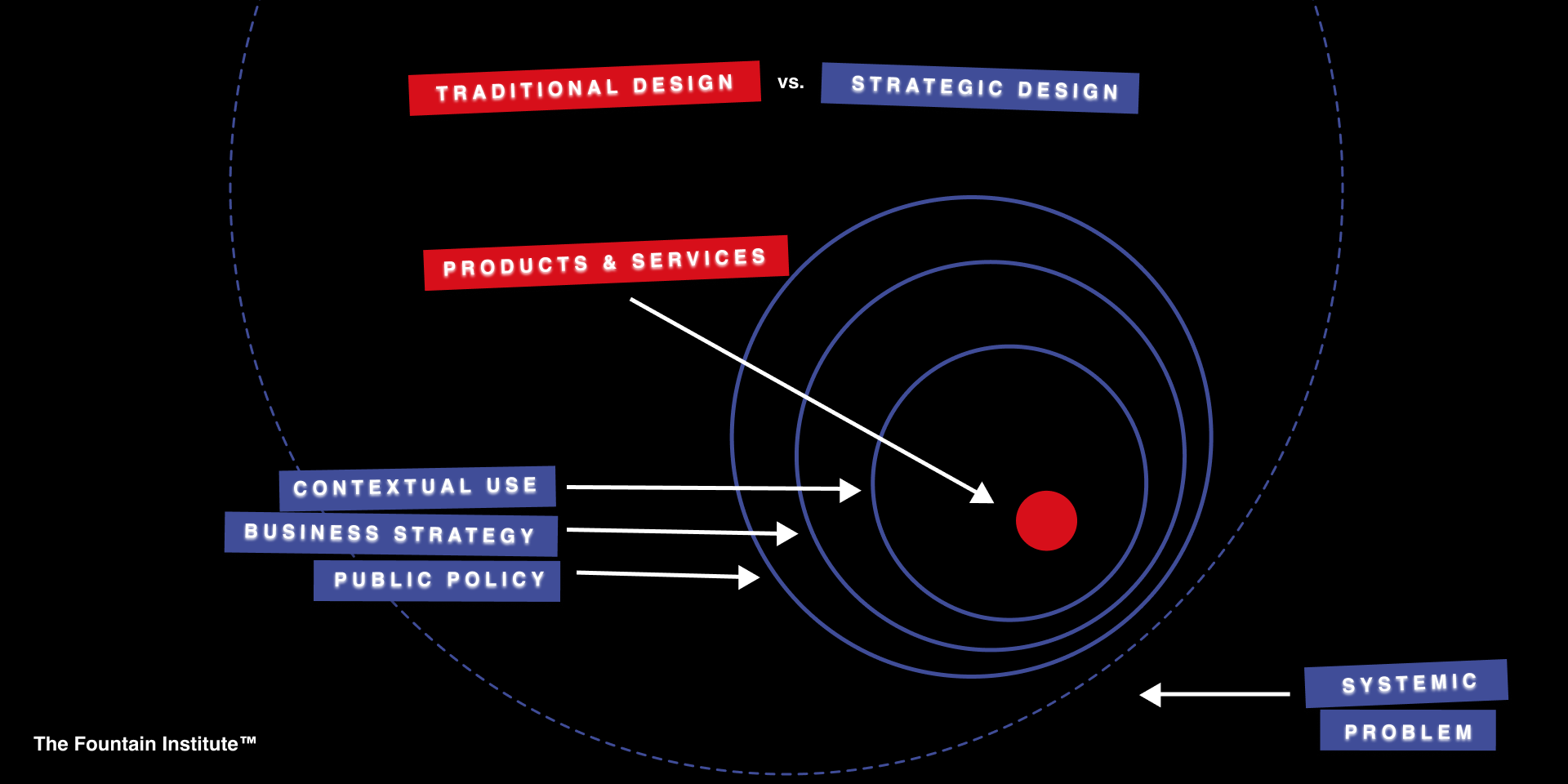

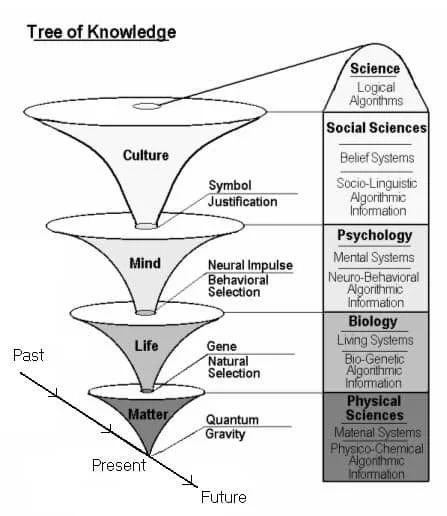
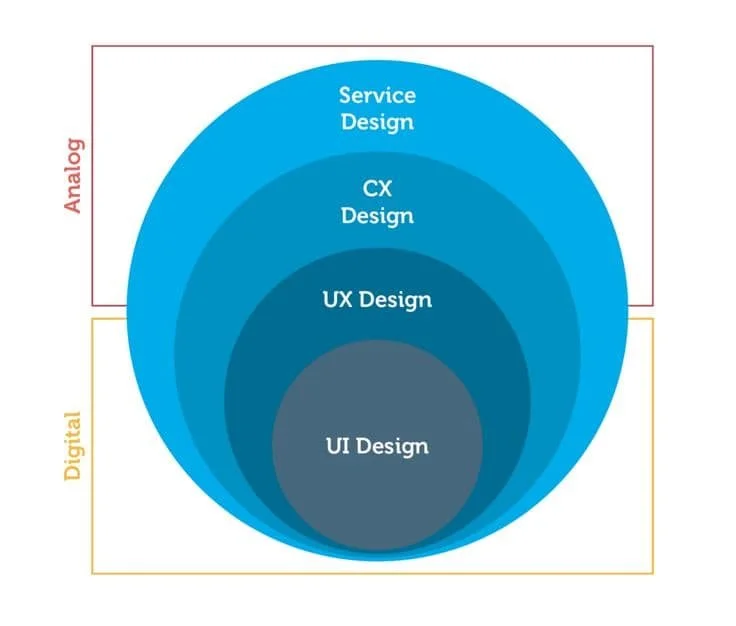


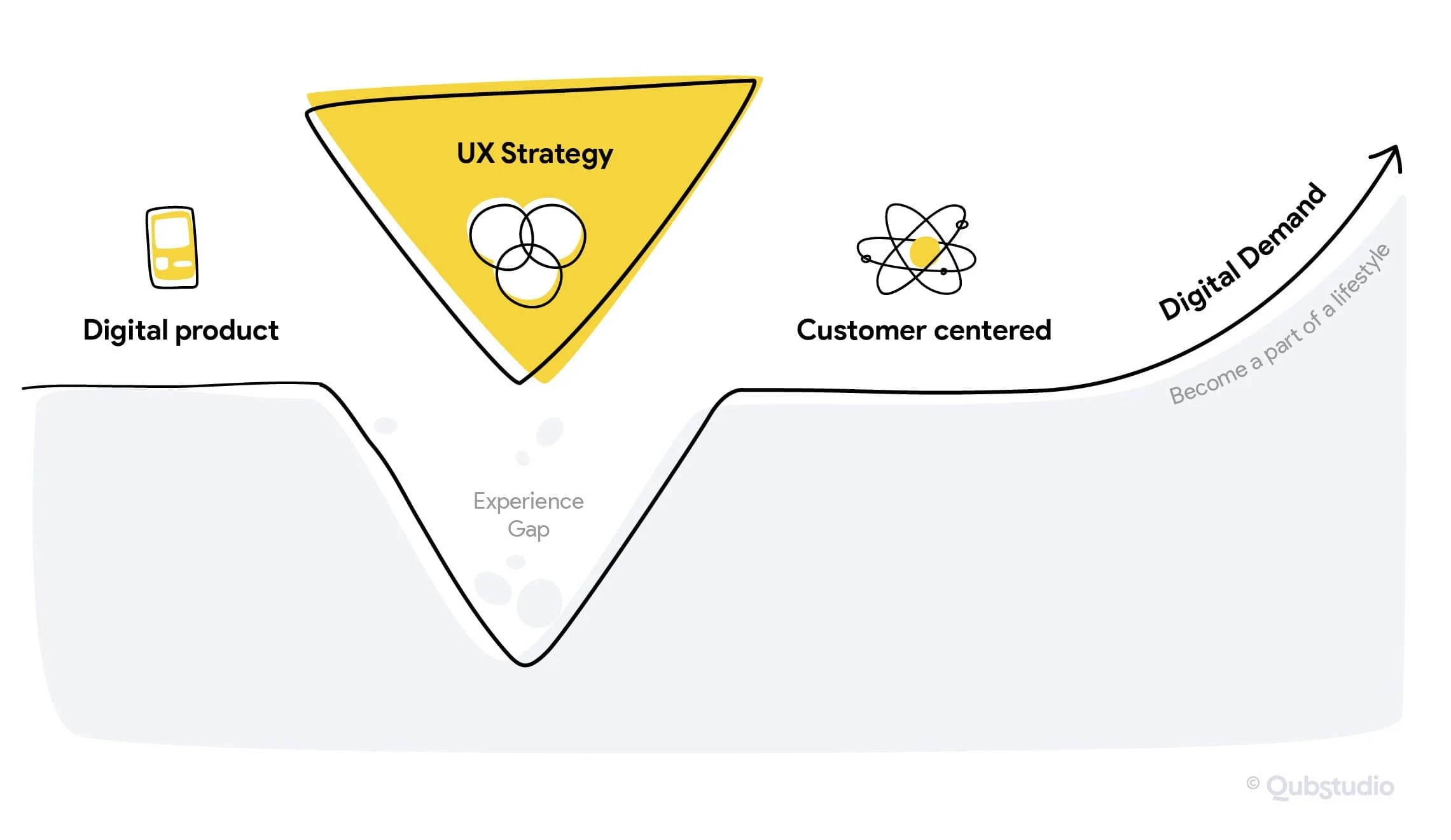
Use them as sources of inspiration or put them in your next big design presentation (but don’t forget to credit the author).
Get the full collection emailed to you
Download the files for Jeff’s collection of 250 diagrams about UX, creativity, and life
We will never sell your data or send you spam. Unsubscribe at the bottom of every email with one click
How to find the source of these diagrams
Most of these come from a Dropbox folder I started in 2011 when I started working in UX. The diagrams themselves come from articles, PDFs, and presentations. So, unfortunately, I didn’t link the diagrams to their source.
For many of these images, I put the source in the file name. But the best way to find the original creator is to do a reverse-image lookup on Google.
Here’s how:
Click a diagram to enter the full-screen view
Right-click a diagram and save it
Drop the file into a Google image search
Find the source through Google
From there, you can dive deeper into the context of these powerful diagrams.
How to remix diagrams to make them your own
Next time you need a new UX diagram, use a diagram from this article to inspire something new.
Here’s how I re-purpose diagrams:
Drop a diagram you like into a design tool like Figma
Cover all of the original text with boxes.
Redo the diagram’s non-verbal imagery with your own drawing and imagery
Remix the imagery until you have evolved beyond the original diagram
Do a reverse-image search of the original diagram on Google
Add the title and author of the image source to your diagram with the words: “Inspired by _____________”
You might also upload these to an AI tool and have it remix the diagram to meet your needs. But don’t forget to credit the original author as inspiration!

Want to level up your UX skills?
Take our course on UX strategy and learn to create a winning strategy that will align design and business
What UX diagrams am I missing? Share it in the comments!
But please…no newbie diagrams. We’ve all had enough UX/UI brain diagrams for one lifetime.