Remove Backgrounds from Images for Free
Removing backgrounds from images used to be the most boring task of the day. The rise of browser-based graphic design tools simplifies the painstaking process of cutting people from backgrounds.
If you’ve been using Photoshop to do this, this article will be life-changing!
One of our favorite background remover tools is Remove.bg. It’s an AI-powered tool that removes backgrounds from images in seconds!
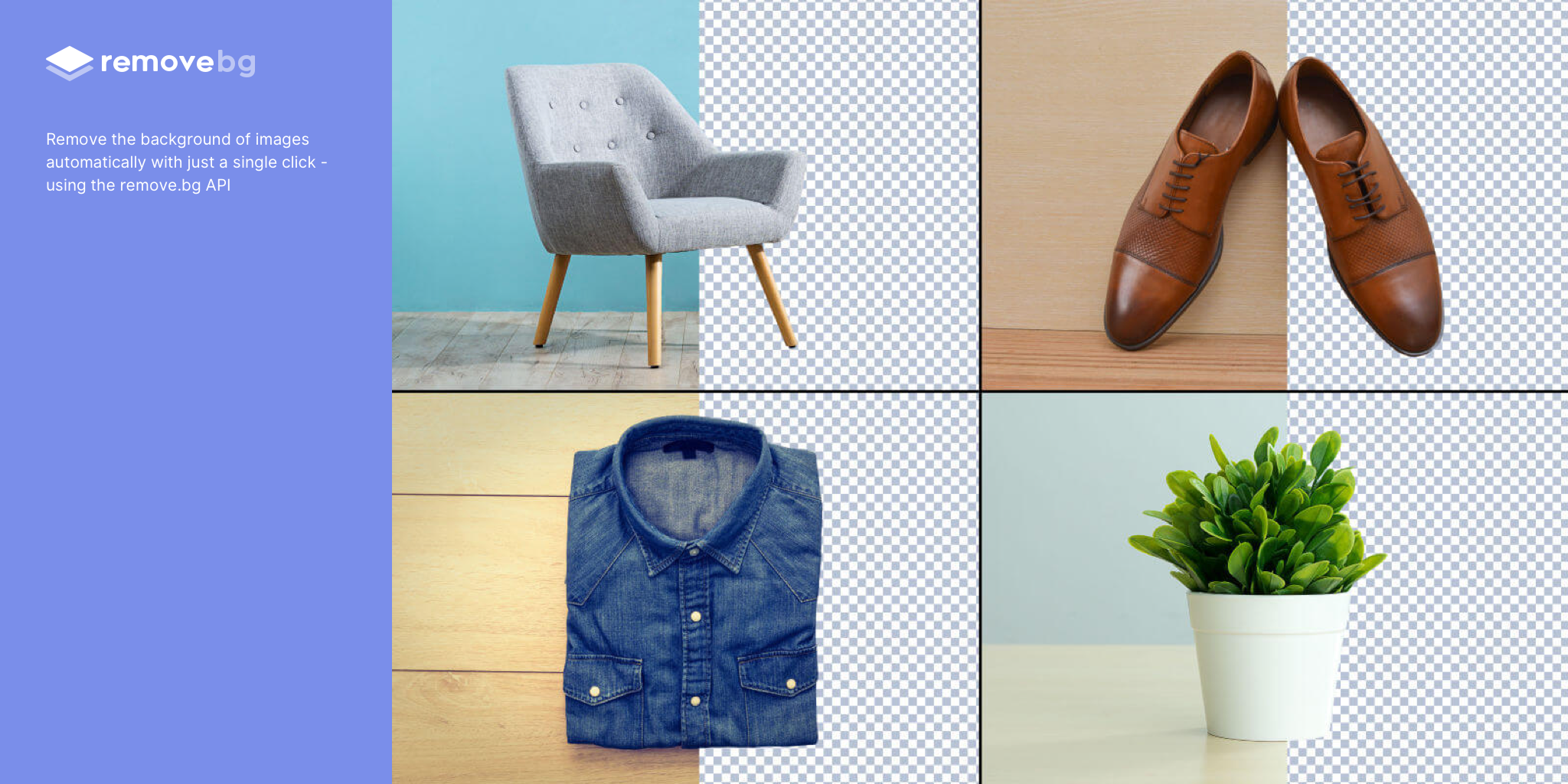
Not only does it know the difference between background and foreground, but it also gives you the ability to edit the removal manually.
How to Remove Backgrounds from Photos
Right-click any image in your browser
Select “copy image”
Go to https://www.remove.bg/
Paste the image (you can also drag images into the window)
Click “Download”
Done!

(Here’s what it looks like to use Remove.BG)
The image without background should be saved to your downloads folder. The file won’t be big enough for commercial work, but it should be big enough to share on social or as a smaller piece of a bigger work.
If you don’t like the default result, click the “Edit” button in the top right corner, and customize the resulting transparent image. Remove.bg gives you complete control while still saving you time.
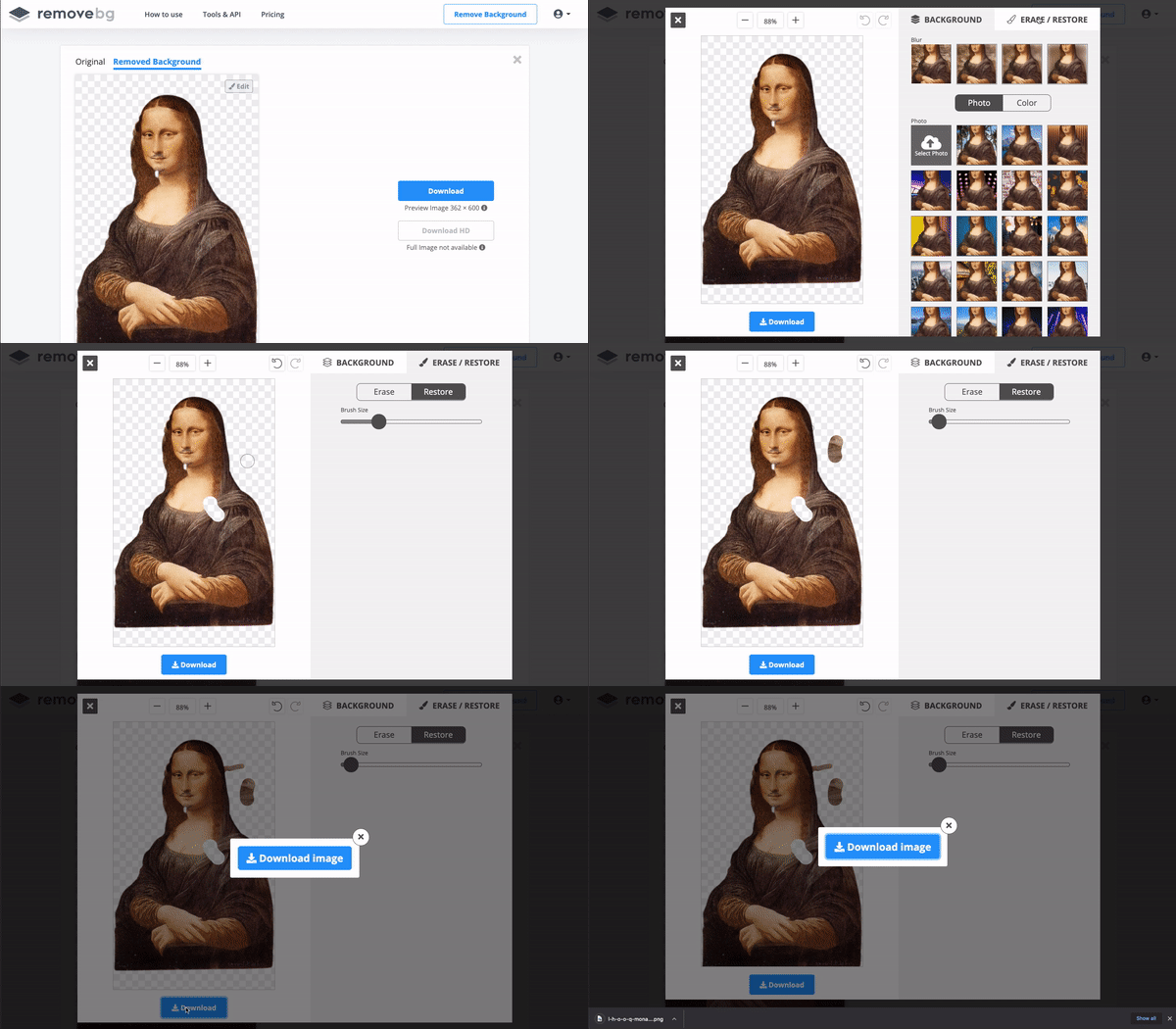
(Here’s a tutorial to edit the automated background removal)
We use Remove.bg in tandem with Figma to remove the need for Photoshop altogether.
Suddenly, every image on the internet can become a collage in seconds! We use Remove.bg and Figma to make collages for this blog. Check out the images in our article on the Double Diamond for a good example. You can source images pulled from various free sources on the internet, like Unsplash or Flickr.
If you like the browser version, try out the Figma plugin to cut out those backgrounds even faster.
Remove.bg Alternatives
Remove.bg isn’t the only background remover. Check out a few alternatives: